
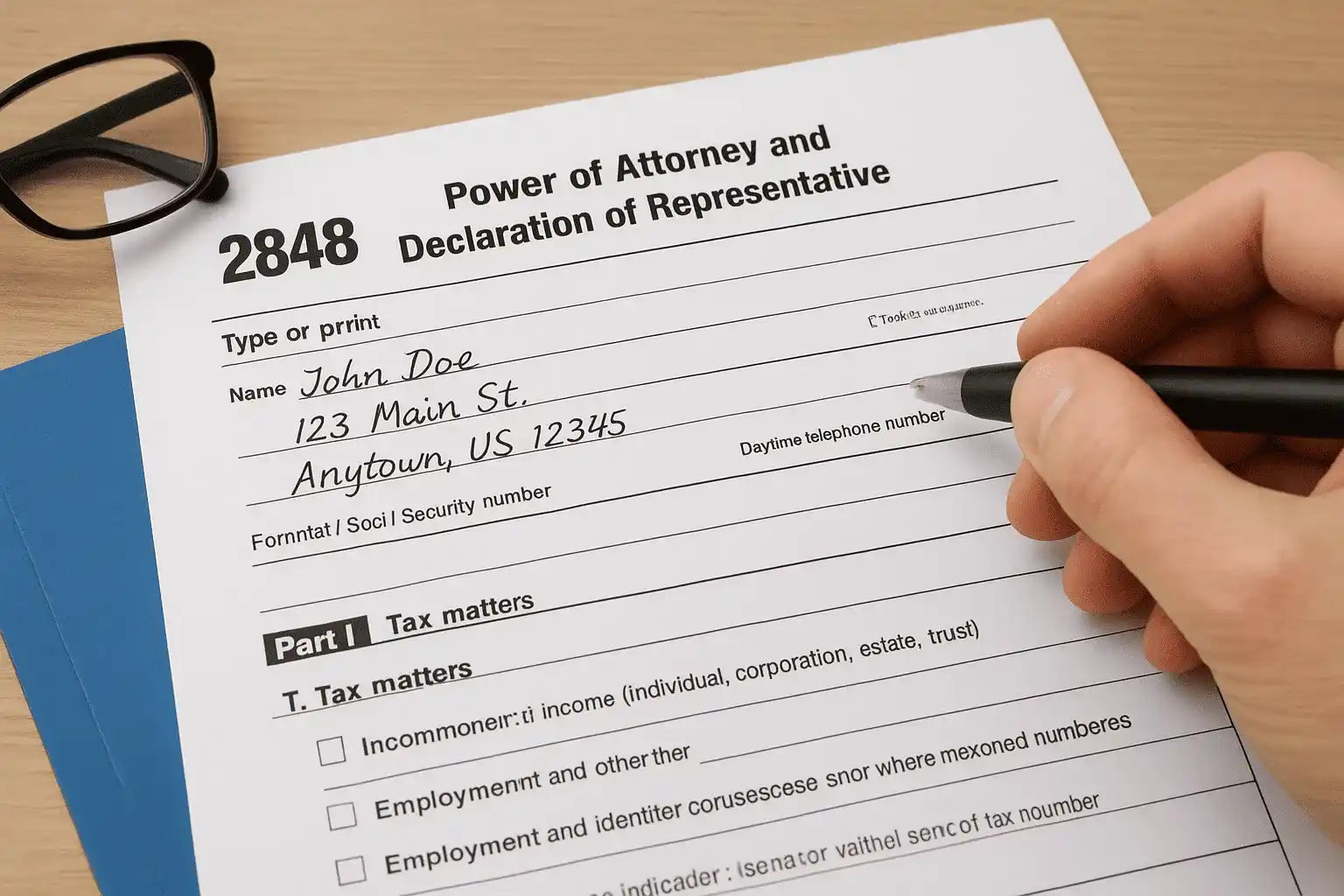
When you're facing IRS issues, whether it's an audit, back taxes, or a collections notice, you don't have to handle it alone. But before a tax professional can speak to the IRS on your behalf, you need to grant them legal authority to represent you. That's where Form 2848 comes in.
Following the IRS Form 2848 instructions correctly is essential to authorize a Power of Attorney (POA). A single mistake can delay your representative's ability to act, leaving you to deal with the IRS directly while penalties and interest keep accumulating. At Tax Experts of OC, our CPAs and Enrolled Agents regularly use this form to represent clients across all 50 states, so we understand exactly what causes problems and how to avoid them.
This guide walks you through everything: what Form 2848 is, how to fill out each section, where to sign, and how to submit it properly. You'll also find links to the official PDF and current IRS instructions. By the end, you'll have what you need to authorize your representative correctly and get professional help working on your case.
What Form 2848 does and when to use it
Form 2848, officially titled "Power of Attorney and Declaration of Representative," gives another person legal authority to act on your behalf with the IRS. Once the IRS accepts this form, your representative can receive confidential tax information, negotiate settlements, sign agreements, and handle correspondence related to the tax matters you specify. Without this authorization, the IRS won't discuss your case with anyone else, even if you've hired them and paid for their services.
Who can represent you with Form 2848
You can only authorize specific professionals to represent you before the IRS. The form works for attorneys, certified public accountants (CPAs), enrolled agents, enrolled actuaries, and certain enrolled retirement plan agents. These professionals have practice rights recognized by the IRS, which means they can appear in your place at audits, appeals, and collection hearings. Family members, bookkeepers, and unenrolled tax preparers cannot represent you using Form 2848, even if you trust them with your finances.
The IRS will reject your form if you try to authorize someone who doesn't have recognized practice rights.
Each representative you name must include their Centralized Authorization File (CAF) number or Professional Tax Identification Number (PTIN) on the form. If they don't have a CAF number yet, the IRS will assign one when they process your Form 2848. You can authorize up to three representatives on a single form, but most taxpayers only need one qualified professional to handle their case.
Common situations that require this authorization
You need Form 2848 whenever you want a professional to communicate directly with the IRS on your behalf. The most common situations include:
- Responding to an audit notice or examination letter
- Negotiating an Offer in Compromise or installment agreement
- Appealing an IRS decision or assessment
- Resolving wage garnishments or bank levies
- Filing past-due returns while dealing with collections
- Requesting penalty abatement or innocent spouse relief
- Handling correspondence about identity theft or fraud
The irs form 2848 instructions let you specify which tax matters and years your representative can handle. You're not giving them blanket access to everything. If you're working with a tax professional to resolve multiple years of back taxes, you'll list all those years in Part II of the form. For a single-year audit, you only authorize that specific tax period.
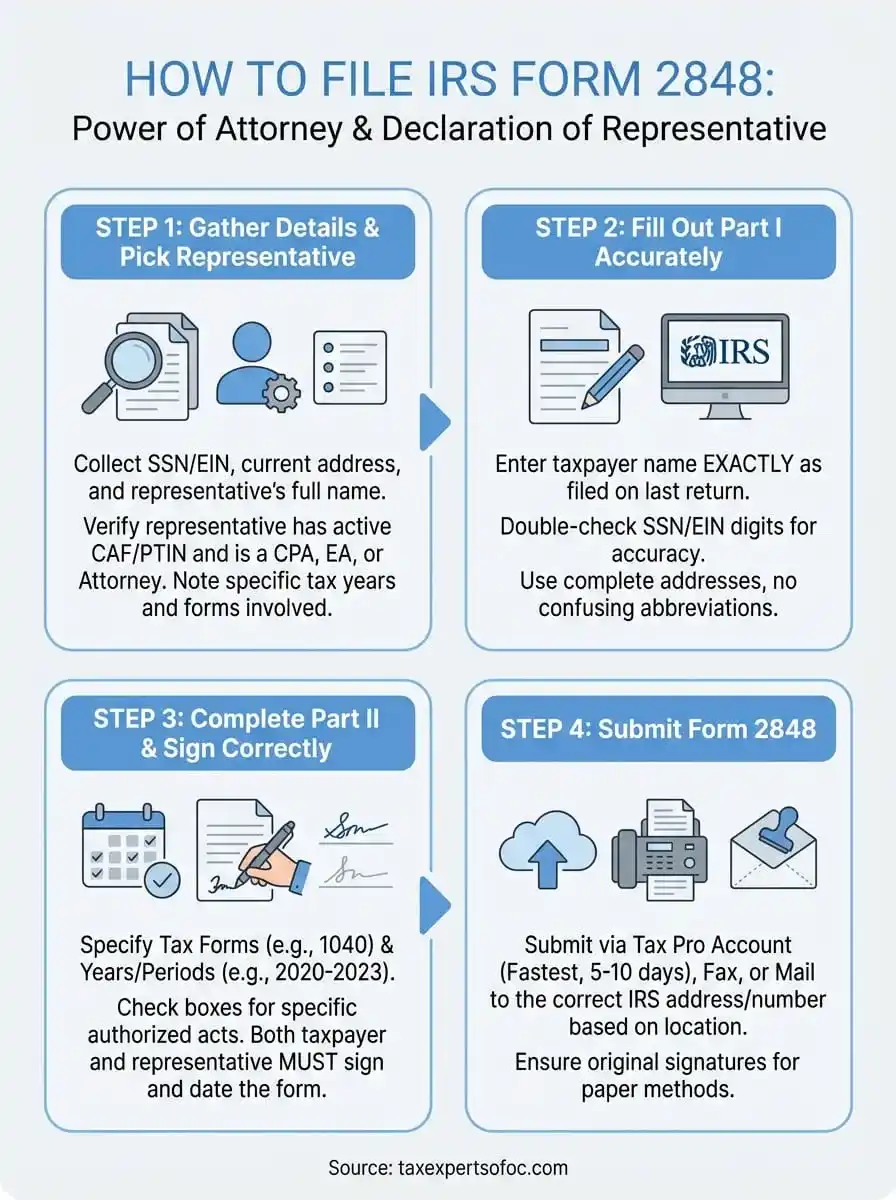
Step 1. Gather details and pick the right representative
Before you start filling out the form, you need to collect specific information about yourself, your tax matters, and the professional you're authorizing. The irs form 2848 instructions require exact details in certain fields, and missing or incorrect information will cause the IRS to reject your submission. Setting aside 15 to 20 minutes to gather everything now saves you from having to resubmit later.
Information you must have ready
You'll need your Social Security Number or Employer Identification Number, your current mailing address, and the exact name of your representative as it appears on their professional license. Your representative must provide their CAF number or PTIN, along with their professional designation (CPA, attorney, or enrolled agent). You also need to identify which tax forms and years you're authorizing them to handle.
Prepare a list of the specific tax years or periods involved in your case. If you're dealing with unfiled returns from 2020, 2021, and 2022, write down those years. For ongoing matters like an audit that spans multiple quarters, note the exact dates. The more precise you are about the scope of representation, the less likely the IRS will question or limit the authorization.
Choosing a qualified representative
Look for a CPA or enrolled agent who specializes in the type of problem you're facing. An enrolled agent with IRS collections experience handles levy releases differently than a CPA who focuses on audit defense. Check that they have an active PTIN and confirm they're authorized to practice before the IRS.
Representatives without current credentials cannot use Form 2848, even if they prepared your tax returns in the past.
Ask your representative for their CAF number before you fill out the form. This number speeds up processing and links your authorization to their existing IRS file.
Step 2. Fill out Part I without triggering IRS rejections
Part I collects your basic information and your representative's details. The IRS computer system matches what you enter against existing records, and any mismatch causes an automatic rejection. You need to enter your name exactly as it appears on your most recently filed tax return, use the correct identification number format, and include complete addresses without abbreviations that might confuse the matching algorithm.
Line 1: Enter taxpayer information exactly as filed
Type your name on Line 1 using the same format the IRS has on file. If you filed jointly, include your spouse's name exactly as shown on your last return. For individual taxpayers, this means "John A. Smith" if that's how you signed your 1040, not "J. Smith" or "John Smith." Business entities must use their legal registered name, not a trade name or DBA.
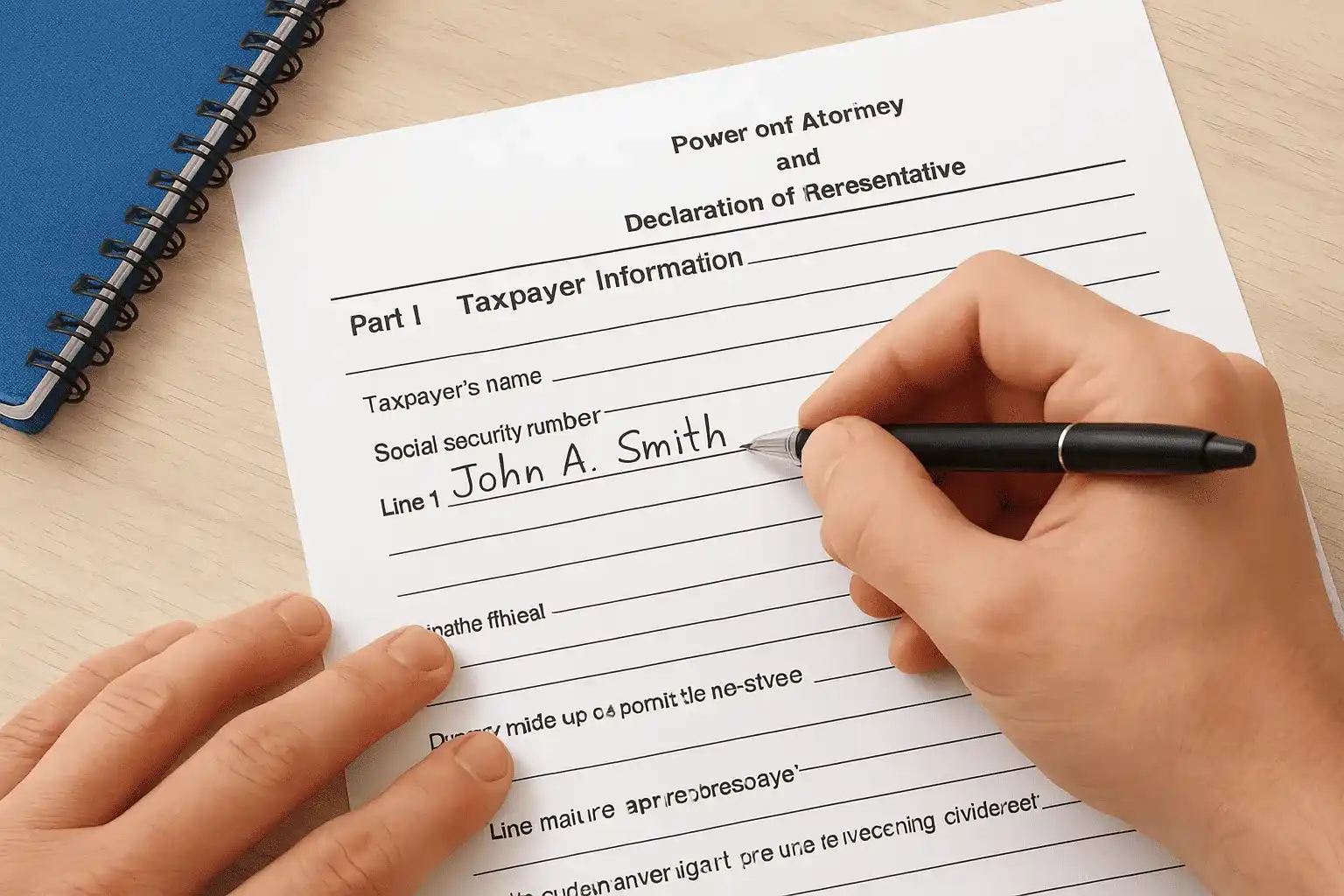
Your Social Security Number or EIN goes in the box on Line 1. Double-check every digit because transposing numbers is the most common rejection trigger. Write your current mailing address on the lines provided, including the full street name, apartment number if applicable, city, state, and ZIP+4 code when you know it.
The IRS form 2848 instructions state that names must match IRS records exactly, or your representative won't receive authorization.
Lines 2-3: Provide representative details without errors
Line 2 captures your representative's name, CAF number or PTIN, and contact information. Enter the professional designation they hold (attorney, CPA, enrolled agent) in the box provided. Your representative should give you their CAF number if they have one, which appears as a nine-digit string starting with a letter.
Line 3 asks for their mailing address and telephone number. Use the business address where they want to receive IRS correspondence, not a personal residence unless they work from home.
Step 3. Complete Part II and sign the form correctly
Part II defines which tax matters your representative can handle and what actions they're authorized to take. This section prevents confusion about scope and protects you from giving away more authority than you intend. The irs form 2848 instructions require you to list specific tax forms and years, then check boxes that grant powers like signing returns, receiving refund checks, or substituting representatives.
What to include in Part II
Line 4 asks you to identify the type of tax and the periods covered. Write the tax form number (1040, 941, 1120) in the first column, then list the specific years or quarters in the second column. For individual income tax issues spanning 2020 through 2023, you'd enter "1040" and "12/31/2020, 12/31/2021, 12/31/2022, 12/31/2023" to cover all four years.
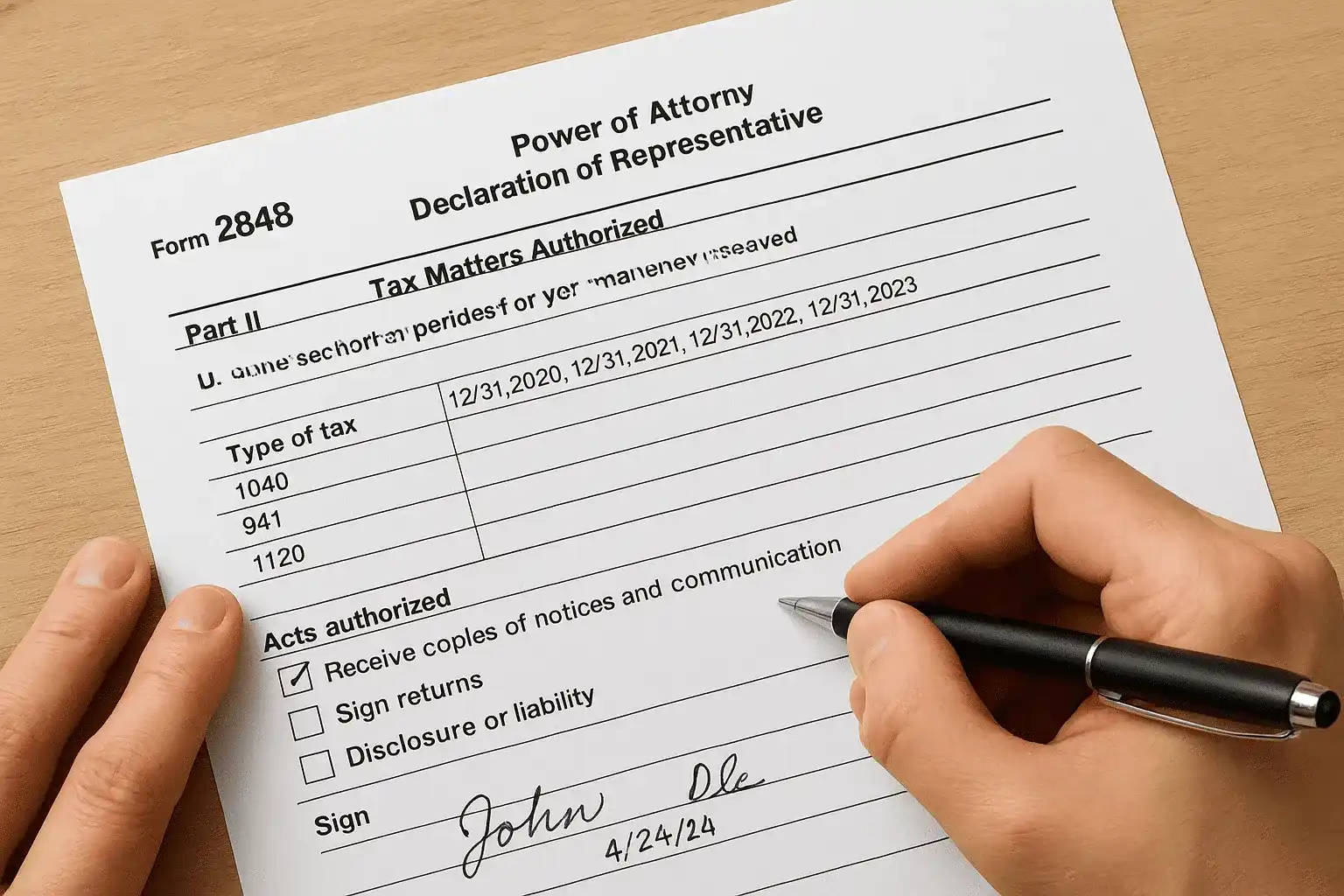
Line 5 lists specific acts you authorize your representative to perform. Most taxpayers check the box that says "Receive copies of notices and communications." Checking additional boxes depends on your situation. If you need your representative to sign a closing agreement or consent to extend the statute of limitations, check those boxes now. Leaving boxes unchecked doesn't prevent basic representation, but it limits what your representative can do without contacting you first.
Failing to check necessary authorization boxes forces your representative to request additional permissions later, which delays resolution of your tax matter.
Sign and date with proper authorization
Both you and your representative must sign Part II for the form to be valid. Your signature goes on Line 6, and you must include the date you signed in the space provided. If you're filing jointly and both spouses want representation, both must sign on separate signature lines. Your representative signs on Line 7, which serves as their declaration that they're eligible to practice before the IRS.
Step 4. Submit Form 2848 online, fax, or mail
After you and your representative sign Form 2848, you need to submit it to the IRS using one of three approved methods. The submission method you choose affects how quickly the IRS processes your authorization, with electronic options typically taking 5 to 10 business days and paper submissions requiring 4 to 6 weeks. The irs form 2848 instructions recommend checking which method works best for your timeline and case type before you send anything.
Submit electronically through Tax Pro Account
Your representative can submit Form 2848 electronically if they have an IRS Tax Pro Account. This system gives them secure access to upload signed forms directly into the IRS database. Electronic submission is the fastest processing method, and your representative receives immediate confirmation that the IRS received the document.
Electronic submission through Tax Pro Account processes authorization in 5 to 10 business days instead of the 4 to 6 weeks required for paper forms.
To use this method, you sign the form and send it to your representative, who then logs into their Tax Pro Account and uploads the completed PDF. The system automatically validates the information before accepting the submission.
Fax or mail for paper submissions
You can fax Form 2848 to the number listed on the current IRS instructions for your location, or mail it to the address shown for paper submissions. Both methods require original signatures, so you'll need to print, sign, scan, and fax, or print, sign, and mail the physical document.
Use the fax number or mailing address specific to your tax matter type and geographic location. The IRS maintains separate processing centers for different regions and case types, which means sending your form to the wrong office delays authorization by several weeks.
Ready to file with confidence
Following the irs form 2848 instructions correctly ensures your tax professional can start working on your case immediately without delays from IRS rejections. You've learned how to gather the right information, fill out each section accurately, choose appropriate authorization scopes, and submit the form through the fastest available method. These steps give your representative the legal authority they need to negotiate with the IRS, access your confidential records, and resolve your tax issues while you focus on your business or personal life.
If you're dealing with back taxes, audits, or collection actions, you need experienced representation working in your corner. At Tax Experts of OC, our CPAs and Enrolled Agents handle Form 2848 authorizations daily and represent clients across all 50 states. We offer a 30-minute free consultation to review your situation and explain exactly how we can help. Contact Tax Experts of OC today to get professional representation that protects your rights and resolves your tax problems efficiently.