
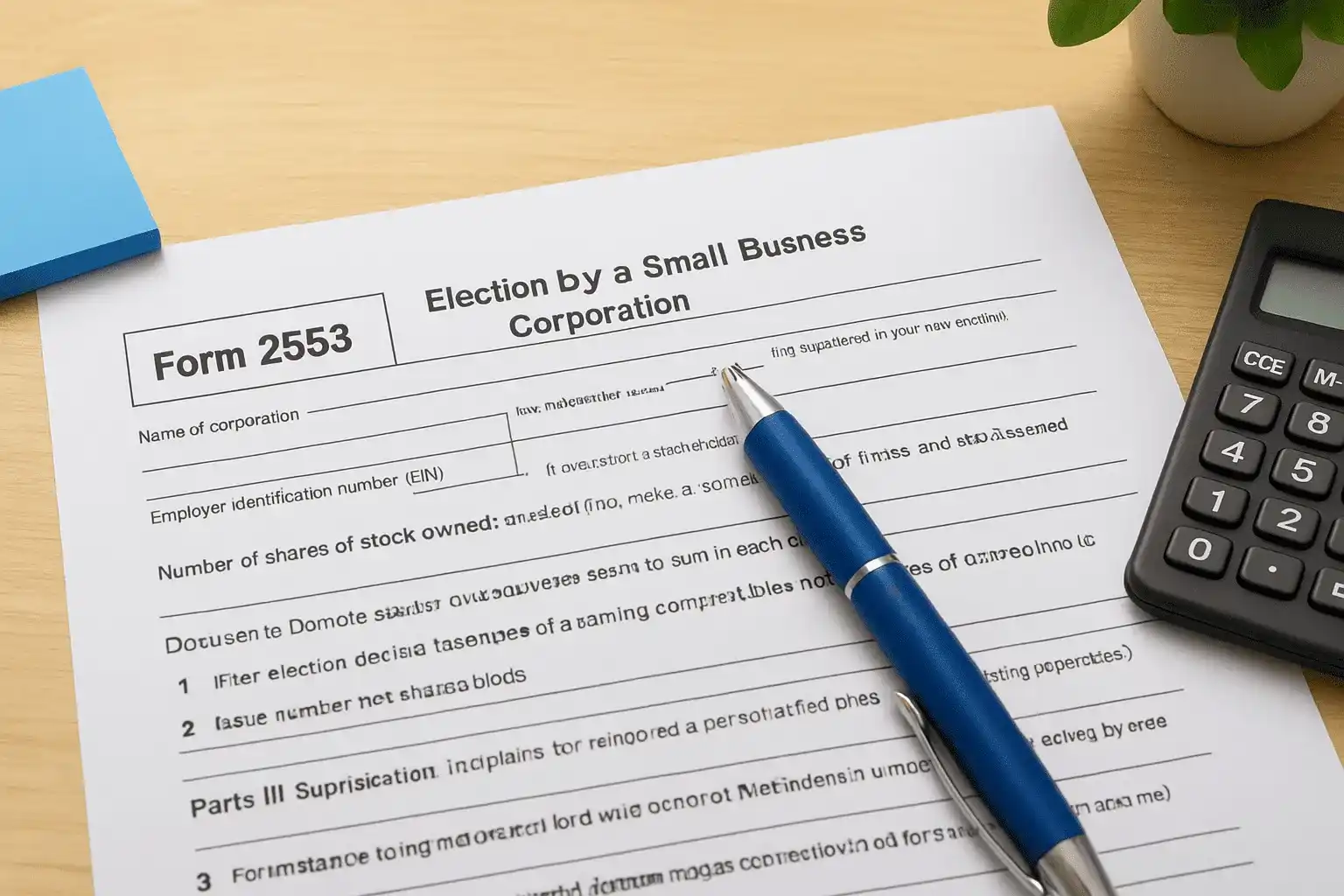
You formed an LLC or C corporation, and now your accountant or a friend told you that electing S corp status could save you thousands in self-employment taxes. That's true, but the savings only kick in if you file the paperwork correctly and on time. These form 2553 instructions walk you through exactly what the IRS wants, so you don't lose the election over a missed signature or a blown deadline.
Form 2553 is the document that tells the IRS your business wants to be taxed as an S corporation instead of its default classification. Getting it right means knowing which deadline applies to your situation, whether you're a brand-new entity or one that's been operating for years, and understanding the shareholder consent requirements that trip up so many first-time filers.
Below, we'll break down each section of the form line by line, explain the late-election relief options if you've already missed your window, and flag the mistakes that cause the IRS to reject filings. If your situation involves multiple shareholders, a fiscal year change, or a prior tax debt that complicates things, our CPAs and Enrolled Agents at Tax Experts of OC can review your filing before you send it, so nothing sits in IRS limbo for months.
What is Form 2553 and who should file it
Form 2553, officially titled "Election by a Small Business Corporation," is what you file with the IRS to switch your business's tax treatment from a default classification to an S corporation election. Without it, your LLC gets taxed as a sole proprietorship or partnership, and your corporation gets taxed as a C corp with double taxation on profits. Filing this form doesn't change your legal structure. Your LLC stays an LLC on paper with your state. It only changes how the IRS taxes your income, letting profits pass through to your personal return while potentially cutting your self-employment tax bill.
Who benefits from filing
Not every business should make this election, and the IRS has specific rules about who qualifies. You need to be a domestic corporation or LLC, have no more than 100 shareholders, and issue only one class of stock. Here's a quick look at who typically files:
- Single-member LLCs generating consistent net profit above $60,000 to $80,000 a year, where the self-employment tax savings outweigh added payroll costs
- Multi-member LLCs and partnerships wanting pass-through taxation without double tax exposure
- C corporations looking to avoid taxing profits twice, once at the corporate level and again on dividends
- Small business owners who can commit to running payroll for themselves as employees, since S corp status requires paying yourself a reasonable salary
If your business doesn't clear roughly $60,000 in annual profit, the payroll and compliance costs of an S corp often outweigh the tax savings.
Who should skip it
Businesses with foreign shareholders, multiple stock classes, or ownership by another corporation or partnership don't qualify at all. If your profit margins are thin or unpredictable, the added payroll tax compliance burden can cost more than it saves, so run the numbers with a tax professional before you file.
Step 1. Confirm your eligibility and deadline
Before you touch the form, verify your business actually qualifies and figure out which deadline governs your election. Missing either step is the fastest way to have your S corp election rejected or delayed months while the IRS sends a notice back.
Check the eligibility boxes
Run through this list before you file anything:
- Domestic corporation or LLC (no foreign entities)
- 100 or fewer shareholders
- One class of stock only
- Shareholders are individuals, certain trusts, or estates, not other corporations or partnerships
- No nonresident alien shareholders
Skip even one of these requirements and the IRS will reject your election outright, no exceptions.
Know your filing window
Deadlines depend on your entity's age. A new business has 2 months and 15 days from its formation date to file. An existing business wanting the election to apply to the current tax year must file by March 15, or the 15th day of the third month of its tax year if it's not on a calendar year. Miss that window and your election won't take effect until the following tax year, unless you qualify for late-election relief, which we cover further down.
Step 2. Gather the information you'll need
Before you start typing into the form, pull together every piece of information the IRS will ask for. Having it ready in one sitting saves you from restarting the process halfway through, which is where a lot of filers lose momentum and let deadlines slip.
Business and shareholder details
Grab your EIN, legal business name exactly as registered with the IRS, business address, and the date and state of incorporation or LLC formation. Then collect shareholder information, since every owner needs to sign the consent statement included in the form.
- Legal name and Social Security Number (or EIN for trusts and estates) for each shareholder
- Number of shares or percentage of ownership held by each person
- Date each shareholder acquired their stake
- Each shareholder's tax year, if it differs from the corporation's
A single missing Social Security Number or an unsigned consent line is enough to send your entire filing back to square one.
Tax year and effective date
Decide which tax year you're electing, calendar or fiscal, and pin down the exact date you want the S corp election to take effect. That date drives the rest of Part I, so confirm it against your formation paperwork before moving forward.
Step 3. Complete Part I: Election information
Part I is where the actual election happens, and the IRS scans it first for errors. Enter your business name and address exactly as they appear on your EIN confirmation letter, then fill in your EIN, date and state of incorporation, and the number that represents your selected tax year.
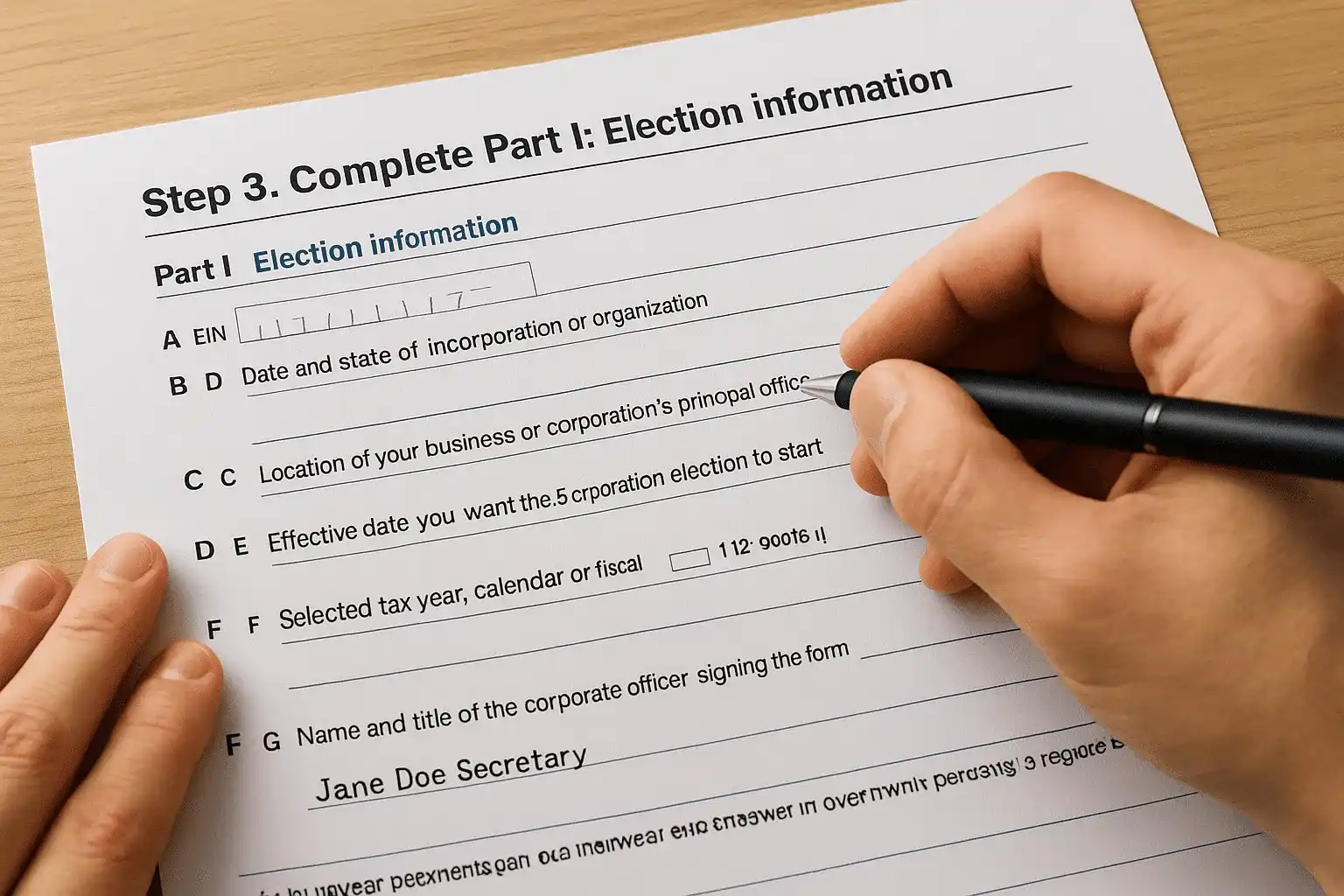
Filling in the top boxes
Work line by line through these fields:
- Line A: EIN of the corporation or LLC
- Line B: Date and state of incorporation or organization
- Line C: Location of your business or corporation's principal office
- Line D: Effective date you want the S corp election to start
- Line E: Selected tax year, calendar or fiscal, with justification if it's not calendar
- Line F: Name and title of the corporate officer signing the form
One typo between your EIN and your legal name is enough to trigger a mismatch letter from the IRS months later.
The shareholder consent statement
At the bottom of Part I, every shareholder listed must sign, date, and provide their ownership percentage and tax year. This isn't optional paperwork. The IRS treats an unsigned or incomplete consent section as grounds to reject the entire election, so double-check every signature before you move to the next part.
Step 4. Fill out Parts II through IV if they apply
Most single-member LLCs and small corporations only need Part I, but three situations pull you into the remaining sections. Skip whichever part doesn't apply to your business, but don't leave a blank space without checking first, since the IRS looks for a deliberate omission versus a missed field.
Part II: fiscal year justification
Only complete this section if you're requesting a fiscal tax year instead of the calendar year. You'll need to show a natural business reason, like a seasonal sales cycle, or attach a back-up section 444 election. Most businesses skip this entirely and stick with the calendar year, which avoids extra IRS scrutiny.
Part III: QSST elections
Qualified Subchapter S Trusts use Part III to make a trust-related election alongside the S corp filing. This applies only if a trust holds shares in your corporation, so most small business owners with individual shareholders leave it blank.
Part IV: late election representations
If you missed your original deadline, Part IV lets you request relief by explaining reasonable cause for the delay.
A vague excuse like "we forgot" won't satisfy the IRS. Document specific dates, actions taken, and why the delay wasn't your fault.
Attach a separate statement if you need more room to explain the circumstances.
Step 5. Sign, submit, and confirm your election
Once every field is complete and every shareholder has signed, get the corporate officer's signature on Line F before you mail anything. This is usually the president, treasurer, or another authorized officer, and the IRS won't process the form without that signature in place.

Where to send it
Fax or mail Form 2553 to the IRS service center that covers your state, not the address for your regular tax return. The IRS instructions for Form 2553 list the correct center based on your business location, and using the wrong one delays processing by weeks.
Mailing your election to the wrong IRS service center can cost you a full tax year of S corp treatment while the paperwork gets rerouted.
Confirming the IRS accepted it
Expect a response within 60 days. Approval arrives as CP261 Notice, confirming your effective date and tax year. If you hear nothing after 60 days, call the IRS Business and Specialty Tax Line directly instead of assuming silence means approval.
- Keep a copy of the signed form and proof of mailing or fax confirmation
- File CP261 with your permanent business records
- Follow up by phone if 60 days pass without a response
- Never file your first S corp return until you have written confirmation
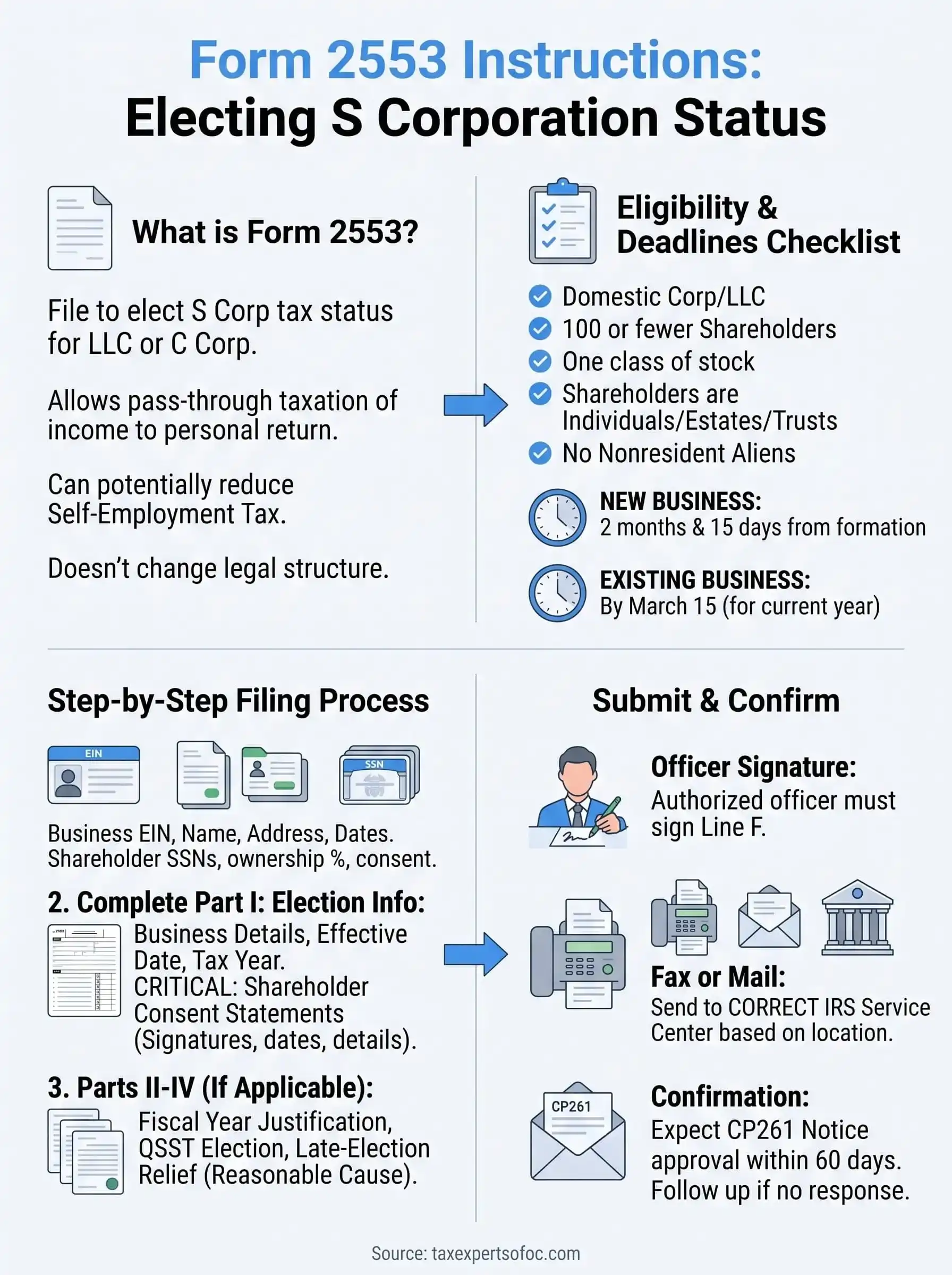
Getting your S corp election right the first time
Filing Form 2553 correctly comes down to three things: confirming eligibility before you start, hitting your deadline, and making sure every shareholder signature and tax ID is accurate. Skip any of these steps and you risk a rejected election, months of delay, or a full tax year lost to the wrong classification. The savings an S corp offers are real, but only once the IRS actually accepts your paperwork.
Most rejections trace back to small errors, a mismatched EIN, a missing consent signature, or a deadline miscalculated by a few days. You don't have to catch every detail yourself. Our CPAs and Enrolled Agents review filings before they go out the door, so you're not left waiting on a CP261 notice that never comes or discovering a problem after it's too late to fix. Schedule your free consultation with Tax Experts of OC and get your election filed right the first time.