
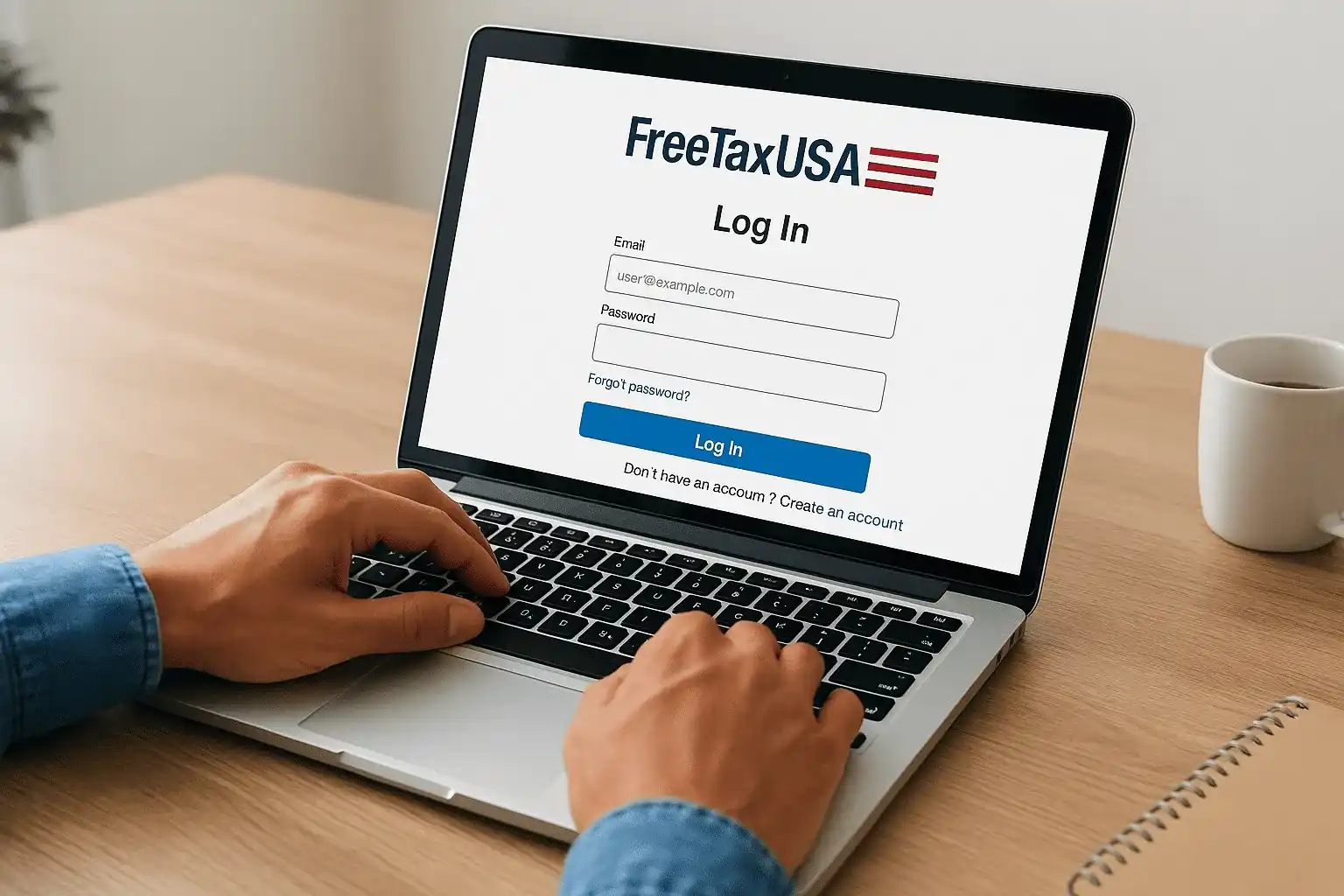
You need your FreeTaxUSA login to file your taxes, check a return status, or download last year's documents, and you need it now. Whether you're having trouble remembering your password or can't recall which email address you registered with, this guide covers exactly how to sign in, reset your credentials, and recover your account.
FreeTaxUSA offers free federal filing, making it a go-to choice for millions of taxpayers each year. But that popularity also means login issues spike every tax season as users rush to access their accounts. Below, you'll find clear instructions for getting back in and keeping your account secure going forward.
At Tax Experts of OC, we assist clients nationwide with tax preparation and resolution services. DIY software handles many situations well, but when returns get complicated or IRS notices show up, our CPAs and Enrolled Agents provide professional support that self-filing platforms simply can't match.
What to have ready before you log in
You need specific information on hand before you attempt your freetaxusa login, and gathering it now saves time and frustration later. Most login failures happen because users can't remember which email address they used to register or they try multiple password variations that lock them out. Having your details ready prevents these common issues.
Your account credentials and contact information
Your primary email address serves as your username for FreeTaxUSA, so locate the exact address you used when you first registered. Check both your personal and work email inboxes for any confirmation messages from FreeTaxUSA if you're uncertain which account you created. The system won't accept alternate email addresses or partial matches, so precision matters.
Keep your phone number accessible if you enabled two-factor authentication when you set up your account. FreeTaxUSA sends verification codes to this number during sign-in, and you'll need immediate access to receive and enter them. If you changed your phone number since last tax season, you may need to go through account recovery steps instead of standard login.
Having your Social Security number ready helps verify your identity if you need to reset your password or contact support.
Write down any security questions you might have answered during account setup. Common examples include your first pet's name, your mother's maiden name, or the city where you were born. FreeTaxUSA uses these questions to verify your identity when you reset credentials, and incorrect answers will block your recovery attempt. Prepare answers exactly as you entered them originally, including capitalization and spacing if you remember those details.
Step 1. Use the official FreeTaxUSA sign-in page
You must navigate to the official FreeTaxUSA login page to protect your personal tax information from phishing attempts and fraudulent sites. Scammers create fake tax software portals during filing season to steal credentials, and typing your freetaxusa login details into the wrong site exposes your Social Security number and financial data to identity thieves.
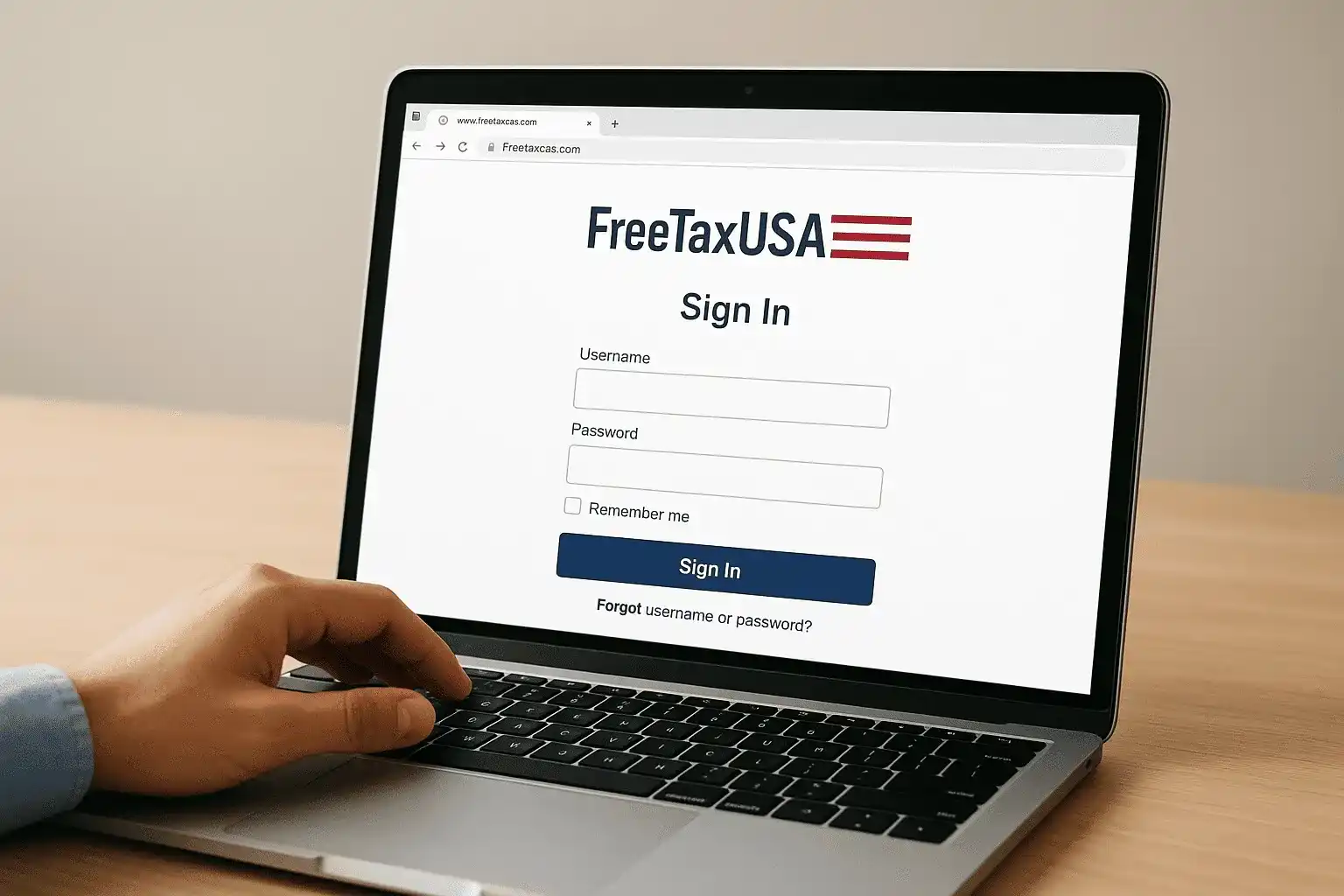
Navigate directly to the login portal
Open your web browser and type the official URL directly into your address bar rather than clicking links from email or search results. The legitimate login page appears at the FreeTaxUSA domain, and you'll see a secure padlock icon in your browser's address bar confirming the connection uses encryption. Bookmark this page after you verify it's correct so you can return safely throughout tax season.
Always verify the URL shows the correct domain before entering your password, especially if you clicked a link to get there.
Search engines sometimes display sponsored ads above genuine results, and these ads occasionally lead to copycat sites designed to harvest login credentials. Typing the address manually eliminates this risk and ensures you land on the authentic FreeTaxUSA platform where your account actually exists.
Step 2. Sign in and access your return
You enter your email address and password on the FreeTaxUSA login page to access your tax account and view your current or previous returns. The system verifies your credentials instantly and directs you to your account dashboard where all your tax years appear organized by filing period.
Enter your credentials and sign in
Type your registered email address into the username field exactly as you created it, then enter your password in the second field. FreeTaxUSA masks password characters for security, so check that your caps lock is off before you submit your credentials to avoid errors. Click the "Sign In" button to proceed to your account.
Double-check your email spelling before clicking sign in, because even a single character error will prevent access.
Navigate to your tax return
Your account dashboard displays all available tax years after your successful freetaxusa login, with the most recent year appearing at the top of the list. Click on the tax year you want to work on to open that specific return. The system loads your return exactly where you left off, whether you're starting fresh or continuing a partially completed filing.
Step 3. Reset your password or recover your username
You can recover access to your FreeTaxUSA account even when you forget your password or username by using the platform's built-in recovery tools. The password reset process sends a secure link to your email address, while username recovery displays your registered email once you verify your identity with personal information.
Reset your password
Click the "Forgot Password" link below the sign-in button on the freetaxusa login page to start the password reset process. Enter your registered email address in the field provided, then check your inbox for a message from FreeTaxUSA containing a unique reset link. This link expires after a specific time period for security, so complete the process promptly.
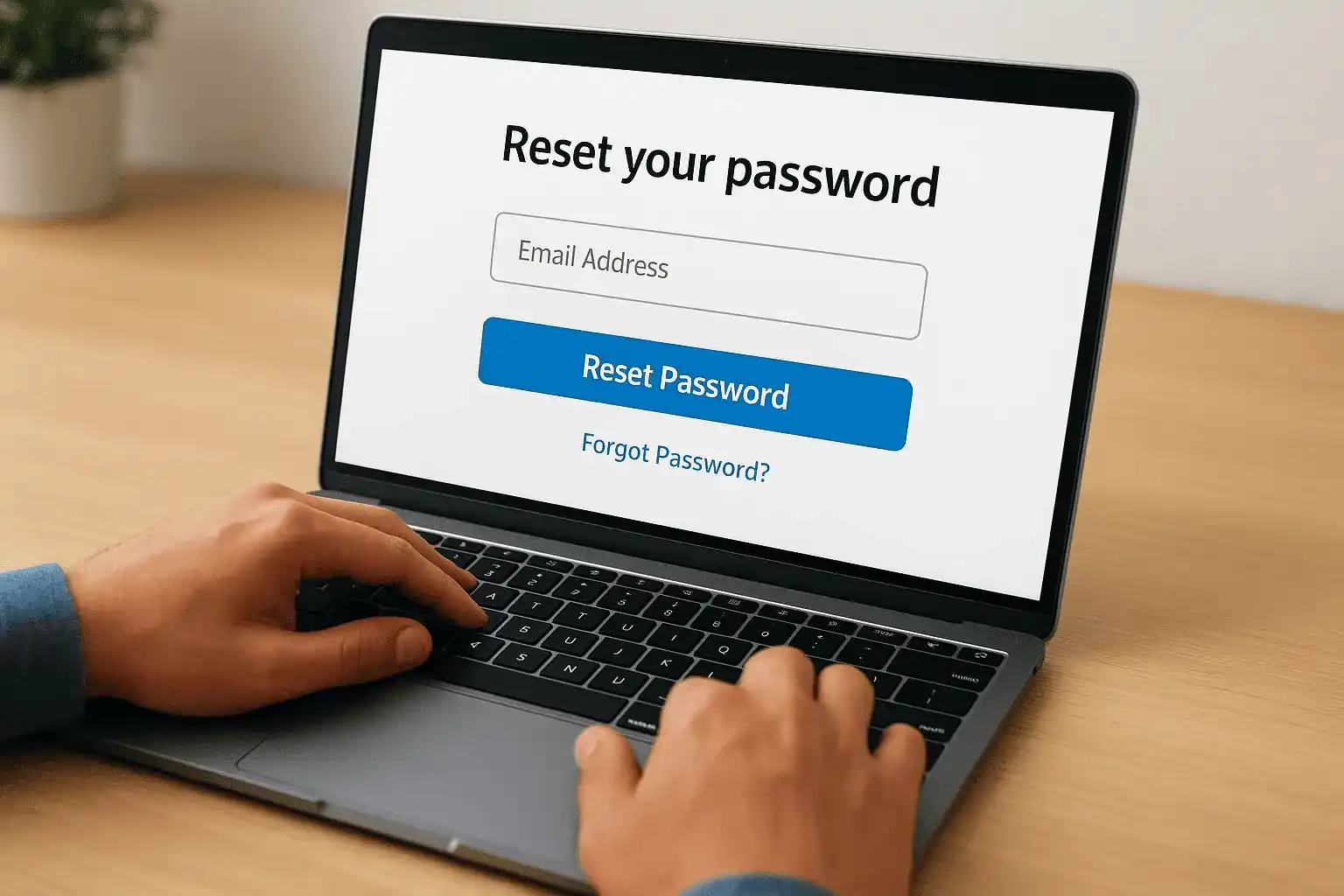
Never share password reset links with anyone, because they grant direct access to modify your account credentials.
Follow the link in your email to create a new password that meets FreeTaxUSA's security requirements, typically including a minimum length and a mix of character types. The system logs you in automatically after you successfully update your password.
Recover your username
Select the "Forgot Username" option on the login page if you can't remember which email address you used for registration. Provide your Social Security number and answer your security questions to verify your identity, and FreeTaxUSA displays the email address associated with your account on screen.
Step 4. Fix common FreeTaxUSA login problems
You encounter specific technical issues when your freetaxusa login fails repeatedly, and most of these problems have straightforward solutions you can apply immediately. The platform uses standard security measures that sometimes block legitimate access attempts, but understanding the common causes helps you troubleshoot efficiently without contacting support.
Clear your browser cache and cookies
Your browser stores outdated session data that conflicts with FreeTaxUSA's current security protocols, causing login failures even when you enter correct credentials. Open your browser settings and clear cached files and cookies specifically for the FreeTaxUSA domain from the past 24 hours. Close your browser completely after clearing this data, then reopen it and attempt your login again.
Clearing only FreeTaxUSA cookies preserves your settings on other websites while fixing login issues.
Wait out temporary account locks
FreeTaxUSA automatically locks your account for 15 to 30 minutes after multiple failed login attempts to prevent unauthorized access. Stop trying to log in during this security lockout period, because additional attempts extend the waiting time. Use this period to verify your email address and password are correct before you try again, and consider using the password reset option if uncertainty remains.
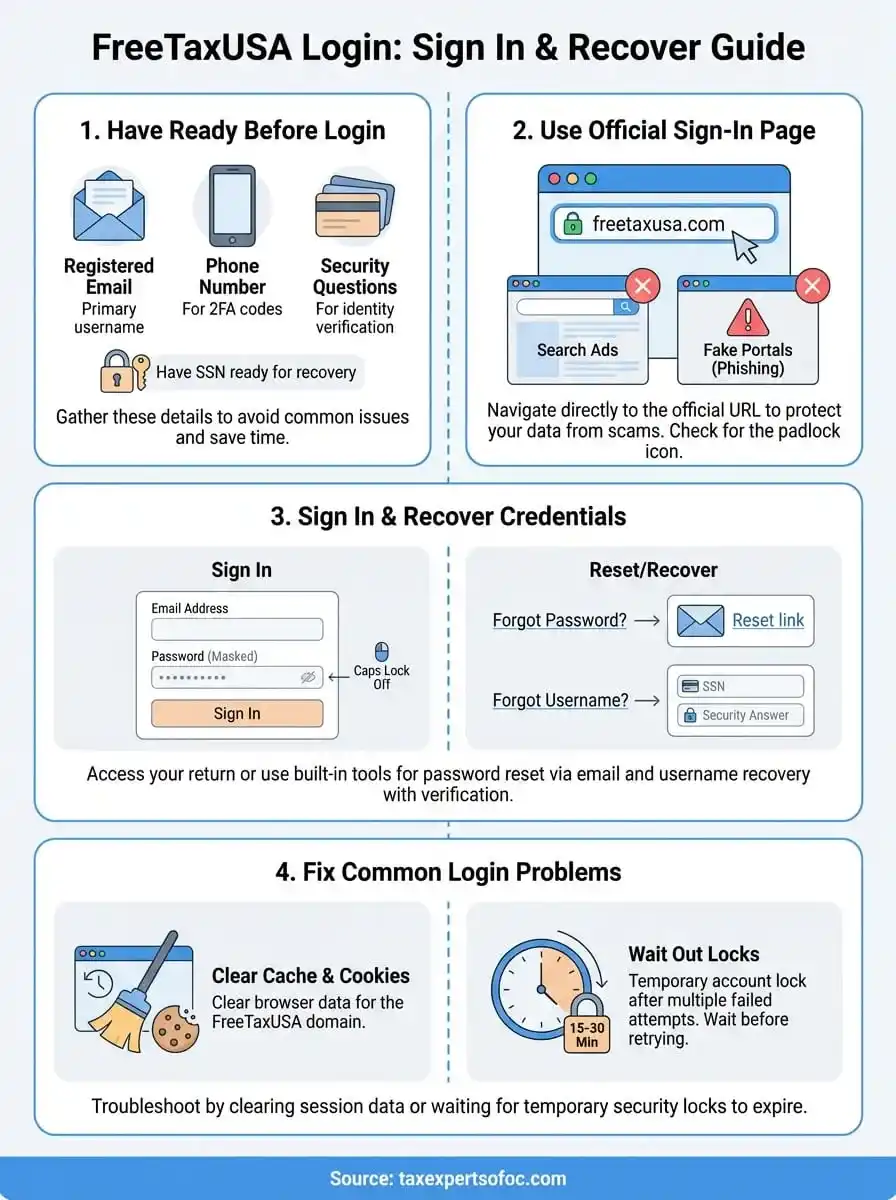
Quick wrap-up
You now have the complete process to handle your freetaxusa login, from navigating to the official portal to resetting forgotten credentials and troubleshooting common access problems. Keep your registered email address and security question answers stored securely so you can recover your account quickly during future tax seasons. The platform serves millions of filers each year with free federal returns, making it a solid choice for straightforward tax situations.
DIY software works well when your return stays simple, but complex tax issues require professional expertise that online platforms can't provide. IRS notices, business entities, multi-state filings, and significant tax debt all demand the attention of a qualified tax professional who understands resolution strategies and compliance requirements.
Tax Experts of OC provides nationwide tax preparation and resolution services through CPAs and Enrolled Agents who handle situations beyond self-service software capabilities. Our team offers free consultations to review your specific needs and determine the best path forward.