
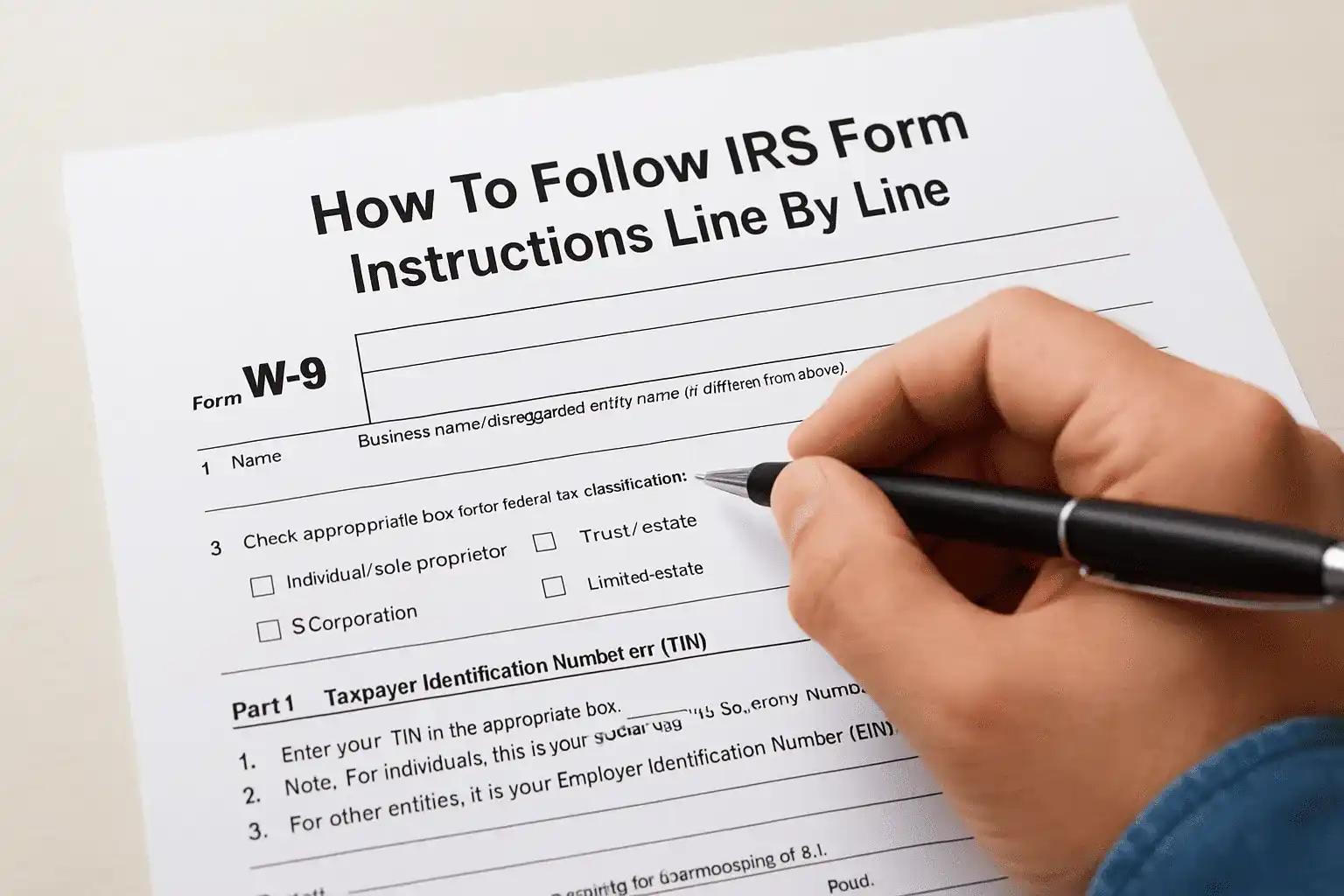
Whether you're a freelancer, independent contractor, or business owner, you've likely been asked to fill out a W-9 at some point. This one-page form seems simple enough, but mistakes can lead to backup withholding, payment delays, or IRS notices down the road. Understanding the IRS Form W-9 instructions thoroughly ensures you provide accurate information and avoid unnecessary tax complications.
At Tax Experts of OC, we help clients across all 50 states navigate tax documents and compliance requirements every day. We've seen firsthand how a small error on a W-9, like an incorrect TIN or wrong entity classification, can create headaches months later when 1099s don't match IRS records. Getting it right the first time saves you from dealing with corrections, penalties, or worse, an IRS inquiry into your tax filings.
This guide walks you through each line of Form W-9, explains what information you need to provide, and clarifies common points of confusion. By the end, you'll know exactly how to complete the form correctly and where to download the current PDF version directly from the IRS.
What Form W-9 does and who should use it
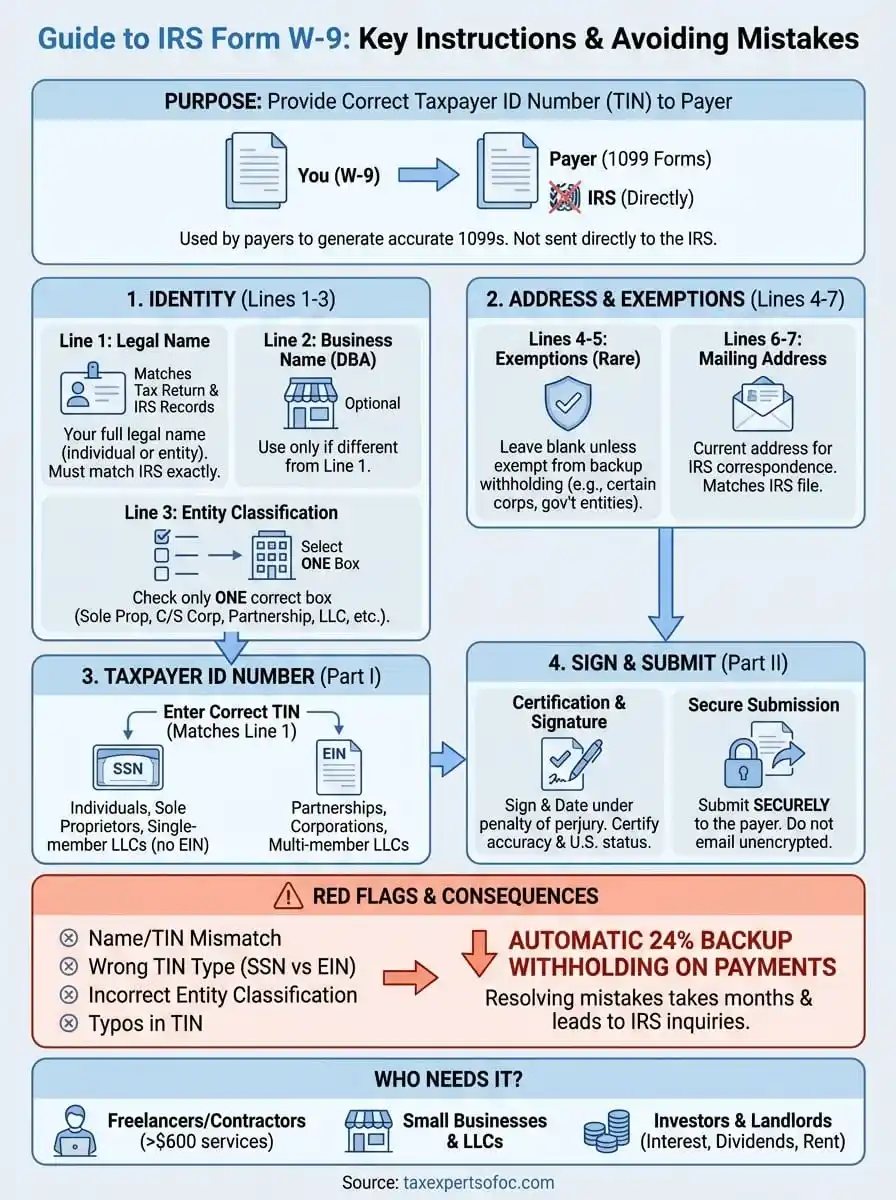
Form W-9 serves one primary purpose: it allows you to provide your correct taxpayer identification number (TIN) to someone who needs to report payments made to you. When you complete this form, you're essentially giving another party the tax identification details they need to generate accurate 1099 forms at year-end. The form itself never goes to the IRS. Instead, the person or business requesting it keeps it on file and uses your information to create tax documents that both you and the IRS receive.
Purpose and function of the form
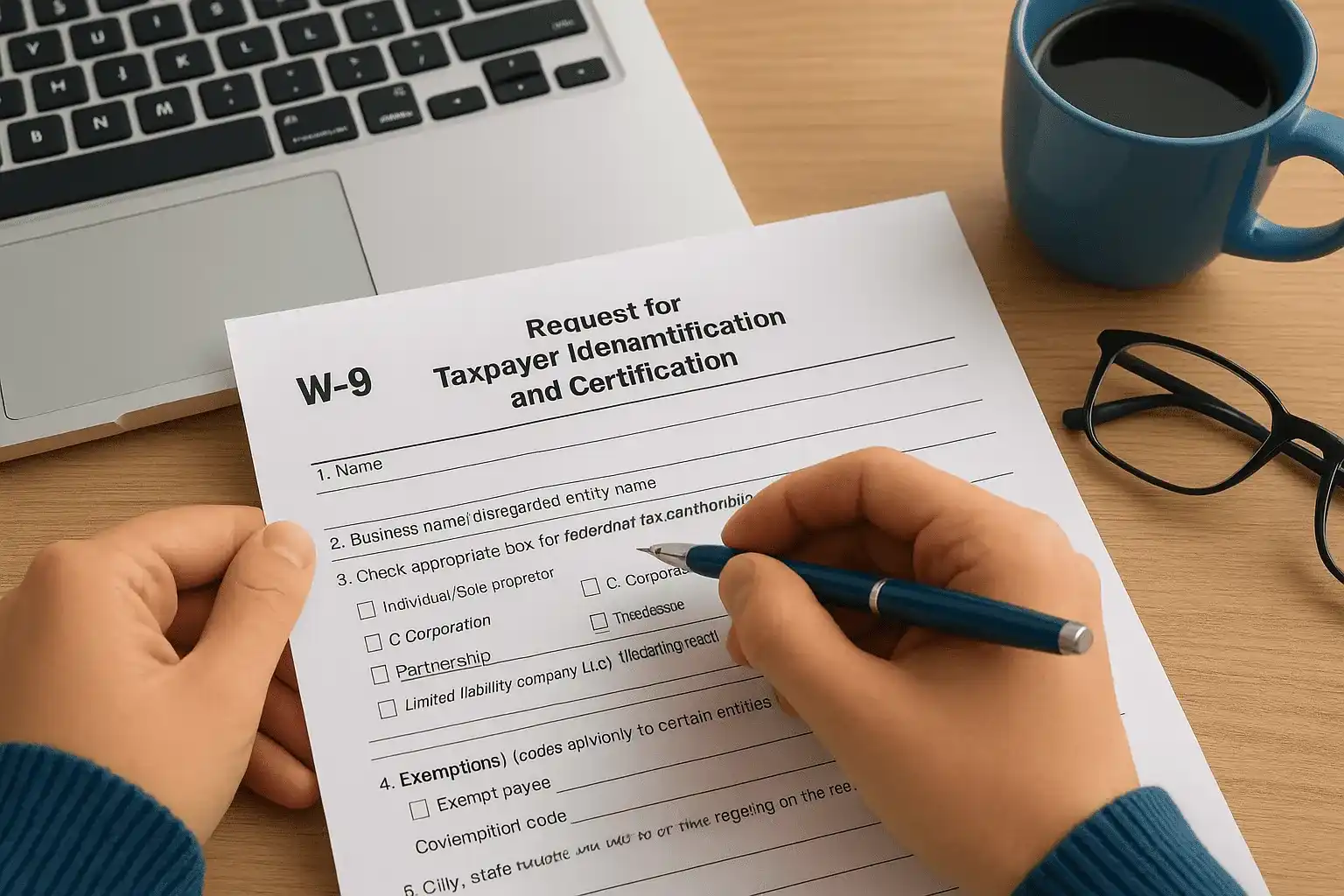
You use Form W-9 to certify that your Social Security Number or Employer Identification Number is correct and that you're not subject to backup withholding. The requester needs this information because they're legally obligated to report certain payments to the IRS on forms like 1099-NEC, 1099-MISC, or 1099-INT. Without a properly completed W-9, they may be required to withhold 24% of your payment and send it directly to the IRS as backup withholding.
The form also certifies your entity classification (sole proprietor, corporation, partnership, etc.) and confirms you're a U.S. person for tax purposes. This classification determines which 1099 form the payer uses and whether they need to issue one at all. For example, corporations generally don't receive 1099-NEC forms for services, but sole proprietors and single-member LLCs do.
If you don't provide a W-9 or provide incorrect information, the payer must begin backup withholding at 24% until you resolve the issue.
Who needs to complete Form W-9
Freelancers and independent contractors complete W-9s most frequently because they receive non-employee compensation. Any time you provide services to a business as an independent worker and expect to earn $600 or more during the year, that business will likely ask you for a W-9. This applies whether you're a graphic designer, consultant, writer, or any other type of contractor.
Small business owners who operate as sole proprietors, partnerships, or LLCs also fill out W-9s when they provide services or sell products to other businesses. You'll need to complete one when opening a business bank account, establishing vendor relationships, or receiving rent payments as a landlord. Even if you operate through an entity like an LLC, you typically need to provide a W-9 unless you've elected corporate tax treatment.
Individuals who earn interest, dividends, or other investment income complete W-9s for financial institutions. Banks, brokerages, and investment platforms require this form when you open an account so they can properly report your earnings on 1099-INT, 1099-DIV, or 1099-B forms. You also need to provide one to anyone who pays you proceeds from real estate transactions or awards you prizes and other taxable income.
What happens after you submit it
Once you submit your completed W-9, the requester stores it in their records and uses your TIN to prepare year-end tax forms. They match the name and TIN you provided against IRS records to ensure accuracy. If there's a mismatch, they receive what's called a B-notice from the IRS asking them to solicit a corrected W-9 from you.
At the end of the tax year, the payer sends you a 1099 form showing the total payments they made to you, and they file a copy with the IRS. You use this 1099 to report income on your tax return. The IRS cross-references the information they receive from the payer against what you report on your return. This system helps the IRS verify that all taxable income gets properly reported and ensures tax compliance across the board.
Before you start: info you need and red flags
Gathering the right information before you begin filling out Form W-9 prevents errors that can delay payments or trigger IRS notices. You need to know your correct legal name, your taxpayer identification number (either your SSN or EIN), and your entity type for tax purposes. Having these details confirmed and ready ensures you complete the form accurately the first time.
Information to gather first
Your legal name must match exactly what the IRS has on file for your TIN. If you're a sole proprietor using a business name, you'll list your personal legal name on line 1 and your business name on line 2. For entities like LLCs or corporations, you use the exact legal entity name as it appears on your formation documents and IRS records.
You'll need your correct TIN based on your entity type. Individuals use their Social Security Number, while businesses use an Employer Identification Number. If you're a single-member LLC that hasn't elected corporate treatment, you typically use your SSN unless you obtained an EIN for the business. Check your previous tax returns or IRS correspondence to verify you have the right number before entering it on the form.
Your current mailing address where you want IRS correspondence sent completes the basic information requirements. This address should match what the IRS has on file. If you recently moved or changed business locations, consider updating your address with the IRS first using Form 8822 or Form 8822-B to avoid mismatches in their system.
Common mistakes that trigger problems
Using a business name instead of your legal name on line 1 creates one of the most frequent W-9 errors. The IRS Form W-9 instructions specifically state that line 1 requires the name shown on your income tax return. When the payer runs a TIN validation check, a mismatch between the name and TIN you provided triggers a failed verification that may result in backup withholding.
A single character difference between the name you provide and the name the IRS has on file can cause your W-9 to fail validation.
Selecting the wrong entity classification causes problems when payers issue 1099 forms. If you check "individual/sole proprietor" but you've actually elected S-corporation status for your LLC, the payer will issue the wrong form type. This mismatch creates reporting discrepancies that can lead to IRS inquiries about unreported income or incorrect filings.
Providing an old or incorrect TIN represents the most serious red flag. If you enter a number that doesn't match IRS records or belongs to someone else, the payer must begin 24% backup withholding on all payments to you. You'll lose nearly a quarter of your income to automatic tax withholding until you provide correct information and resolve the issue with both the payer and the IRS.
Fill out lines 1 to 3 the identity section
Lines 1 through 3 form the identity section where you establish who you are for tax purposes. This section determines how the IRS matches your W-9 information against their records and how the payer classifies you when issuing tax forms. Following the IRS Form W-9 instructions precisely for these lines prevents validation failures that trigger backup withholding or payment delays.
Line 1: Your legal name exactly as shown on tax returns
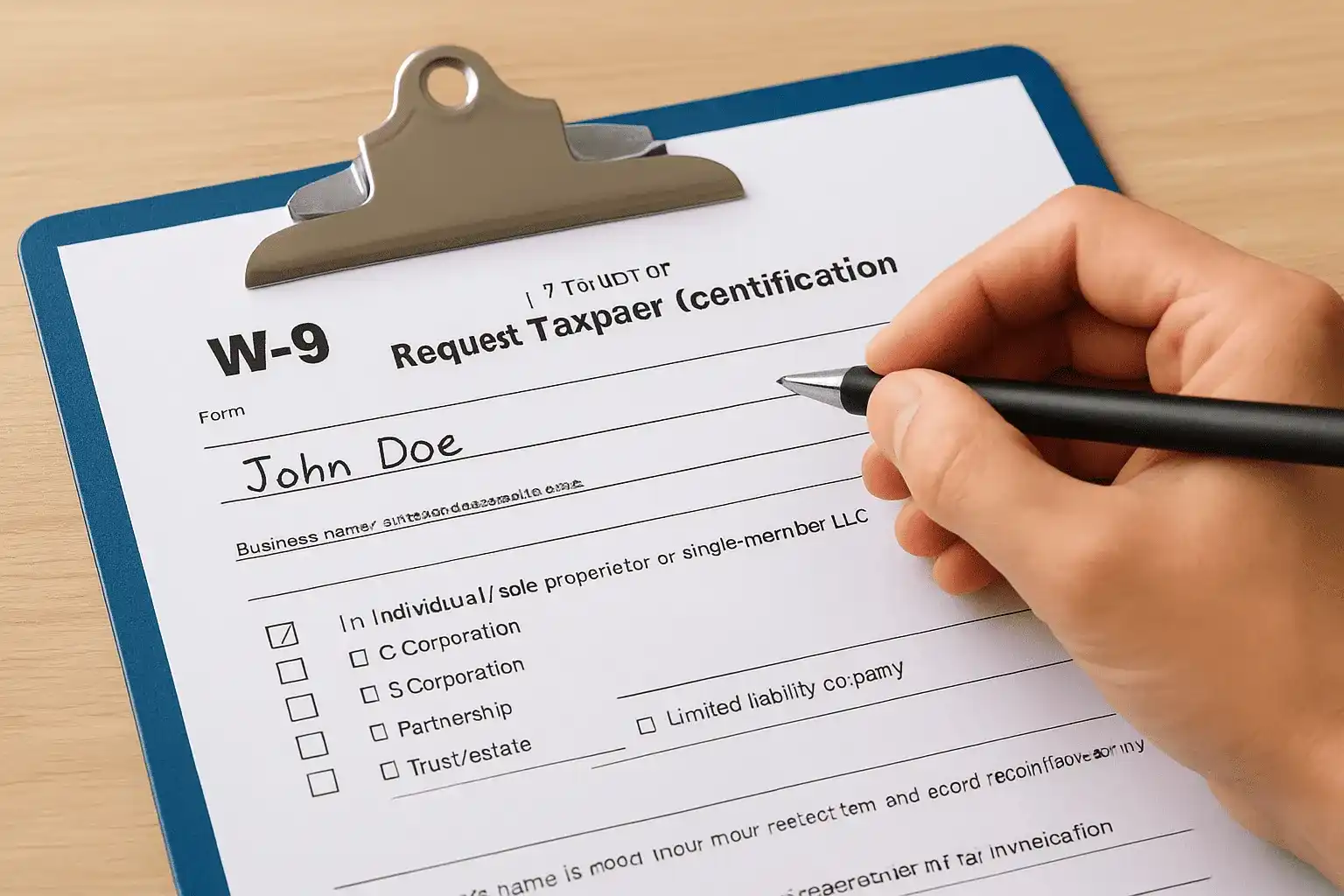
You must enter your name exactly as it appears on your tax return and matches IRS records. If you're an individual or sole proprietor, use your full legal name as it appears on your Social Security card. Don't use nicknames, shortened versions, or any variation that differs from your official IRS records. For married individuals who file jointly, use the name of the person whose TIN you'll provide in Part I.
Businesses operating as partnerships, corporations, or LLCs enter the legal entity name exactly as registered with the IRS. Check your formation documents, EIN confirmation letter, or previous tax returns to verify the exact spelling and format. If your business name includes "Inc.", "LLC", or "LLP", include those designations exactly as they appear on official documents.
A single typo or name variation on line 1 can cause the payer's TIN validation to fail, resulting in automatic 24% backup withholding on all payments.
Line 2: Business name if different from line 1
Line 2 handles your business name or "doing business as" (DBA) name if you operate under a different name than your legal name. Sole proprietors who use a business name put their personal legal name on line 1 and their business name on line 2. This setup allows the payer to make checks payable to your business name while still matching your TIN to your personal identity in IRS systems.
Leave line 2 blank if you operate under your personal name or if your legal entity name and business name are identical. LLCs and corporations typically leave this line empty unless they have a registered DBA that differs from their legal entity name. The payer uses line 2 information for payment processing and record-keeping but relies on line 1 for TIN validation.
Line 3: Federal tax classification checkboxes
You must check only one box that describes your federal tax classification. Individual contractors and sole proprietors check the first box labeled "Individual/sole proprietor or single-member LLC". This classification applies even if you have a business name or operate as a single-member LLC that hasn't elected corporate treatment.
Check the appropriate entity box if you operate as a C Corporation, S Corporation, Partnership, Trust, or Estate. Limited Liability Company owners with multiple members check "Limited Liability Company" and indicate their tax classification in the space provided (C = C corporation, S = S corporation, P = Partnership). If you're unsure of your classification, review your most recent tax return or Form 8832 if you elected a specific tax treatment.
Complete lines 4 to 7 exemptions and address
Lines 4 through 7 handle your exemption status and where you want correspondence sent. Most people leave lines 4 and 5 blank because they don't qualify for exemptions, but understanding when you do qualify prevents unnecessary withholding. Your address information in lines 6 and 7 must match IRS records to avoid processing delays or returned correspondence.
Line 4: Exemptions from backup withholding
You enter a code on line 4 only if you qualify for an exemption from backup withholding. Most individuals and businesses leave this line blank because they don't meet exemption criteria. According to the IRS Form W-9 instructions, specific entities like corporations, tax-exempt organizations, government entities, and certain financial institutions qualify for exemptions from the standard 24% backup withholding requirement.
The following categories commonly qualify for backup withholding exemptions:
- Code 1: Organizations exempt under section 501(a), IRAs, or custodial accounts under section 403(b)(7)
- Code 2: The United States or any of its agencies or instrumentalities
- Code 3: A state, U.S. possession, District of Columbia, or their political subdivisions
- Code 4: A foreign government or international organization
- Code 5: Corporations
- Code 6: Dealers in securities or commodities
- Code 9: Real estate investment trusts
Interest and dividend payments have different exemption rules than payments for services. If you receive both types of income from the same payer, you may qualify for exemption on investment income but not on service payments. Check the full exemption code list in the official IRS instructions to confirm your specific situation before claiming an exemption.
If you incorrectly claim an exemption from backup withholding when you don't qualify, the payer will begin withholding 24% once the IRS notifies them of the error.
Line 5: Exempt payee code
Line 5 captures your exempt payee code if you're reporting under the Foreign Account Tax Compliance Act (FATCA). You complete this line only if the requester specifically asks for FATCA reporting information. Most domestic transactions and standard service payments don't require a FATCA code, so you'll typically leave line 5 blank.
Certain financial institutions and foreign entities use specific letter codes (A through M) that correspond to different entity types under FATCA regulations. Your financial institution or requester will tell you explicitly if they need this information and which code applies to your situation.
Lines 6 and 7: Address information
You enter your street address on line 6 and your city, state, and ZIP code on line 7. Use the address where you want to receive IRS correspondence and where you file your tax returns. This address should match what the IRS currently has on file to prevent validation issues when the payer submits information returns.
Individuals use their home address or principal place of business. Businesses enter their primary business address, which may be different from where they physically operate if they use a registered agent or corporate service address. Avoid using P.O. boxes unless that's your only mailing address on file with the IRS.
Enter your TIN in part I
Part I of Form W-9 requires your Taxpayer Identification Number, which the payer uses to report your income to the IRS. You enter either your Social Security Number or Employer Identification Number in this section depending on your entity type. This number must match the name you provided on line 1 exactly as it appears in IRS records, or the payer's validation system will flag your form for backup withholding.
Which taxpayer identification number to use
Individuals and sole proprietors use their Social Security Number in Part I unless they obtained an EIN for business purposes. If you operate as a sole proprietor without employees and haven't applied for an EIN, you always use your SSN. The IRS Form W-9 instructions specify that disregarded entities like single-member LLCs report the owner's SSN unless the LLC applied for its own EIN.
Businesses structured as partnerships, corporations, or multi-member LLCs must use their Employer Identification Number. You received this nine-digit number from the IRS when you formed your business entity. Check your EIN confirmation letter (CP 575) or previous business tax returns if you don't remember your EIN. Never use your personal SSN for business entities that operate under separate tax identification numbers.
Using the wrong type of TIN (SSN instead of EIN or vice versa) guarantees a validation failure that triggers immediate 24% backup withholding on all payments.
How to format and enter your number correctly
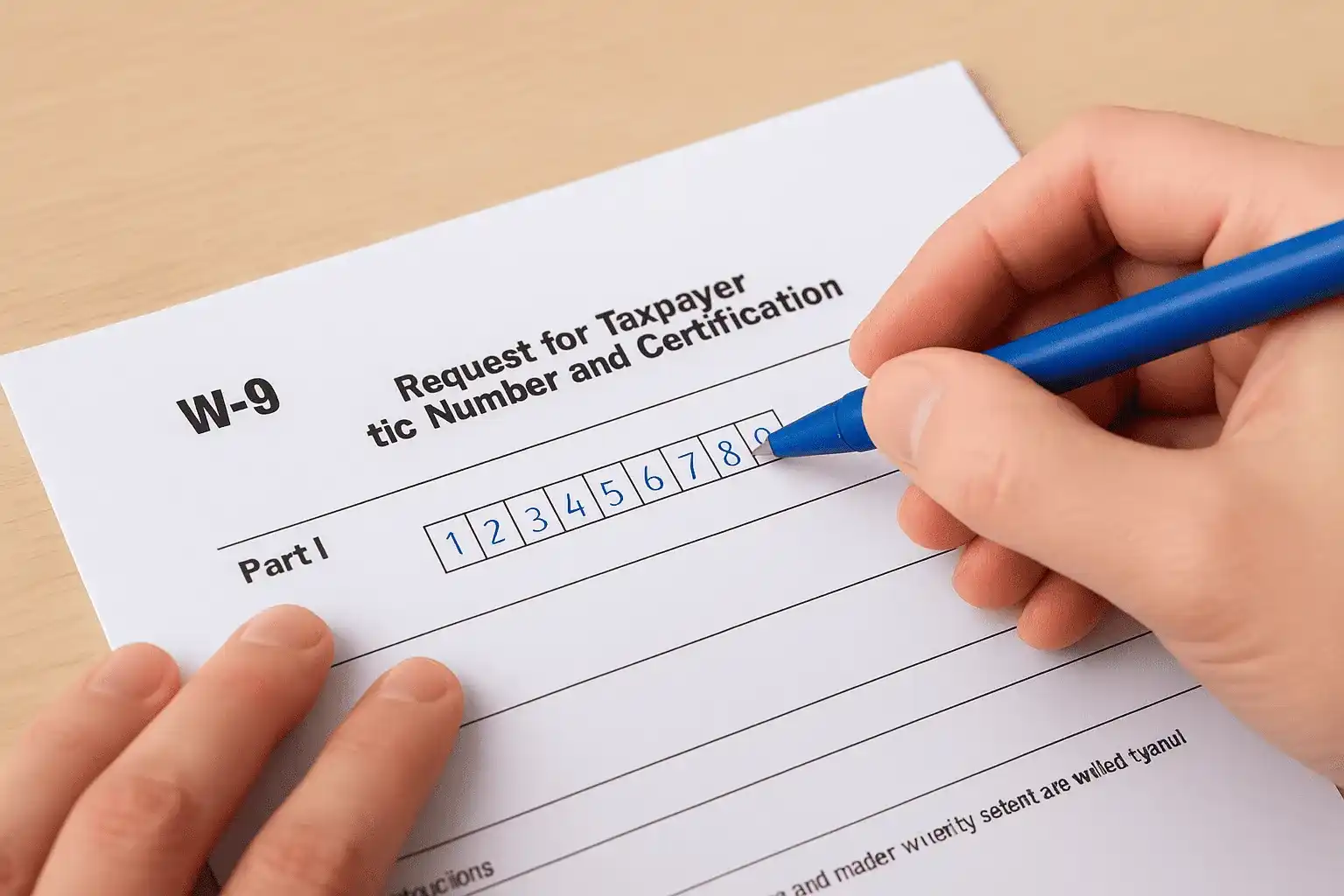
You write your nine-digit number in the boxes provided, entering one digit per box without dashes or spaces. Social Security Numbers appear as three digits, two digits, and four digits (XXX-XX-XXXX format), while Employer Identification Numbers use two digits and seven digits (XX-XXXXXXX format). Part I provides boxes for both formats, so you fill in only the row that matches your TIN type.
Double-check every digit before submitting your form because transposed numbers create validation errors. If you accidentally swap digits or write an unclear number, the payer's system will reject your W-9. Write legibly in black or blue ink if completing a paper form, and verify your entry carefully on electronic versions.
Keep your TIN confidential and only provide it to legitimate business entities that need to report payments to you. Scammers sometimes pose as companies requesting W-9 forms to steal identification numbers. Verify the requester's legitimacy before sharing your Social Security Number or EIN, and consider asking why they need the form if the request seems unusual.
Sign and submit the form safely
Part II of Form W-9 contains the certification statements that you legally affirm by signing the document. Your signature verifies that all information you provided is accurate and that you're not subject to backup withholding. Understanding what you're certifying protects you from penalties if any information changes after submission, and knowing how to transmit your completed form securely prevents identity theft or tax fraud.
Part II certification and signature requirements
You sign your name in the signature box and write the current date next to it to complete Part II. Your signature certifies four specific statements under penalty of perjury: the TIN you provided is correct, you're not subject to backup withholding (or the IRS notified you that you're no longer subject to it), you're a U.S. citizen or resident alien, and the FATCA code you entered on line 5 (if any) correctly indicates your status.
The person whose tax identification number appears in Part I must sign the form. Sole proprietors sign their own name, while corporate officers, partners authorized to sign for partnerships, or trustees for trusts provide their signatures. If you operate as a single-member LLC, you sign as the individual owner because disregarded entities don't have separate legal status for tax purposes.
Never sign a blank or partially completed W-9, and don't let anyone else sign your form even if they handle your tax matters. The IRS Form W-9 instructions specify that the signature carries legal weight under penalty of perjury, meaning false information can result in criminal charges. If any information changes after you sign (like your name due to marriage or your TIN), you must submit a new W-9 immediately to prevent mismatched reporting.
Signing Form W-9 creates a legal certification that carries the same weight as signing your tax return, so verify every detail before adding your signature.
Secure submission methods to protect your TIN
You submit your completed W-9 directly to the person or entity requesting it, never to the IRS. Choose a secure transmission method that protects your Social Security Number or EIN from interception. Email represents the least secure option unless you use encrypted email or password-protected PDF files that you share through separate communication channels.
Hand delivery or secure mail works best for paper forms because you maintain control over your sensitive information. If you must email your W-9, save it as a PDF, apply password protection through your PDF software, and send the password via text message or phone call. Many businesses now provide secure portals where you upload completed forms, which offers better protection than standard email.
Keep a copy of every W-9 you submit along with documentation of when and to whom you sent it. Your records help resolve disputes if the payer claims they never received your form or if backup withholding starts unexpectedly. Store copies in a secure location separate from your general files because these forms contain your complete tax identification details that criminals can use for identity theft or fraudulent tax filings.
Finish strong and avoid follow-up problems
Following the IRS Form W-9 instructions carefully prevents payment delays and backup withholding issues that complicate your finances. You now have the knowledge to complete each line correctly, verify your information matches IRS records, and submit the form securely to requesters. Store a copy of every W-9 you submit along with notes about who requested it and when you provided it.
Check your 1099 forms when they arrive in January or February to confirm the payer used your information correctly. Any discrepancies between what you provided and what appears on your 1099 need immediate attention before you file your tax return. The IRS receives copies of all 1099s and will flag your return if the numbers don't match.
Tax compliance requires attention to detail, and even small errors on forms like W-9 create problems that take months to resolve. If you need help with tax documentation, IRS correspondence, or resolving any tax issues, contact Tax Experts of OC for professional guidance from CPAs and Enrolled Agents who handle cases nationwide.