
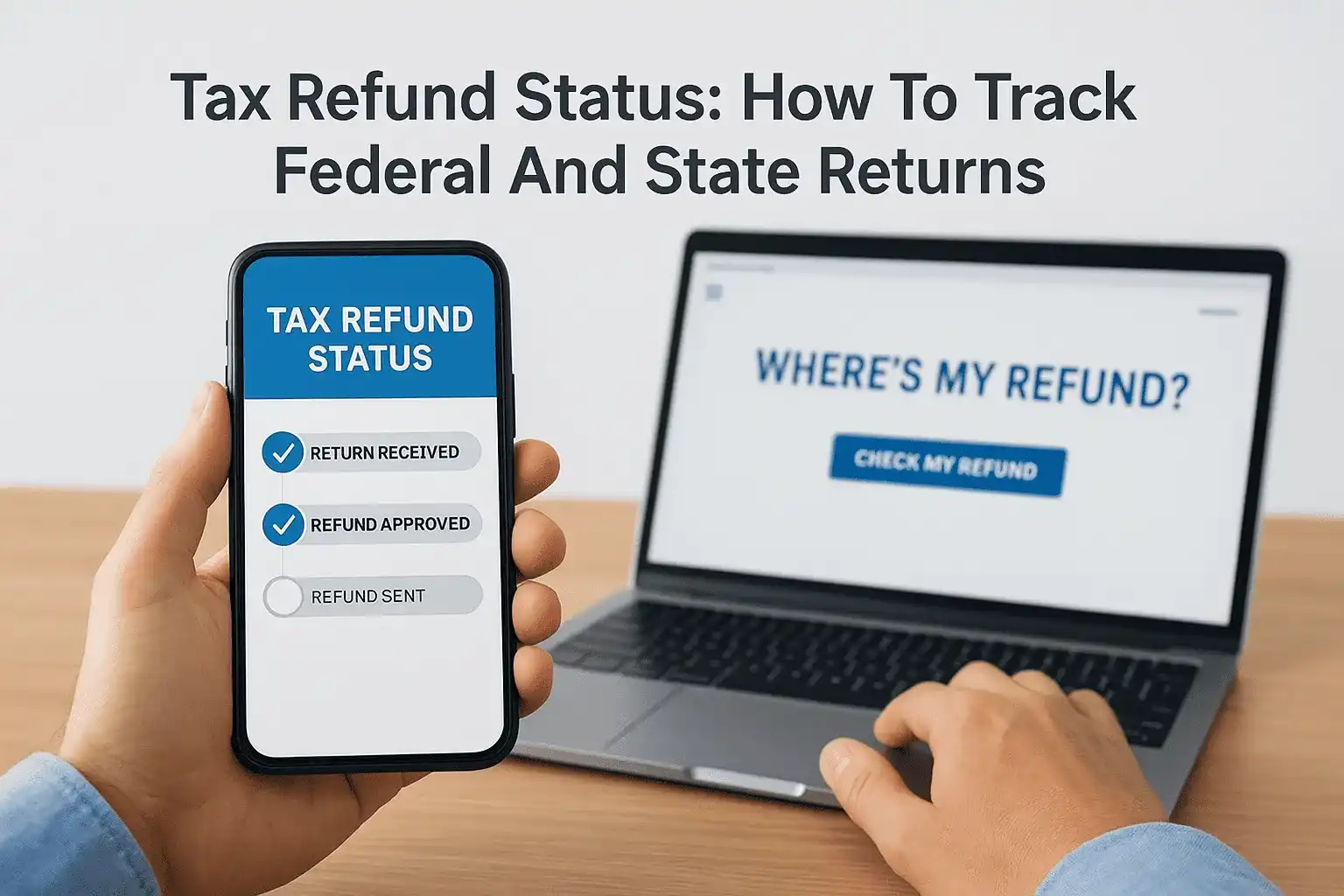
You filed your return, hit submit, and now you're stuck refreshing your browser wondering where your money is. Checking your tax refund status doesn't have to be a guessing game, the IRS and state tax agencies each provide specific tools built for exactly this purpose. But knowing which tool to use, what information you need, and when to actually start checking can save you a lot of unnecessary stress.
Most federal refunds arrive within 21 days of e-filing, though certain credits, errors, or identity verification holds can push that timeline out significantly. State refunds follow their own schedules entirely, and processing times vary widely depending on where you live. Understanding these timelines, and what might delay them, puts you in a much better position to plan around your expected refund rather than anxiously waiting for it.
This guide walks you through the exact steps to track both federal and state refunds, explains common reasons for delays, and covers what to do if something looks wrong. At Tax Experts of OC, our CPAs and Enrolled Agents help clients across all 50 states resolve refund holds, respond to IRS notices, and fix filing issues that stall refunds. If your refund is stuck or you're dealing with a more complex situation, our team can step in and advocate on your behalf directly with the IRS.
What you need before you check refund status
Before you open any tracking tool, gather a few specific pieces of information. Without the correct data on hand, the IRS "Where's My Refund?" tool and most state portals will return an error or tell you your return simply isn't found. Having everything ready before you start saves you from repeating the same steps and helps you catch any discrepancy between what you filed and what the IRS has on record. Pulling these details together takes less than five minutes, and it makes every step that follows much faster.
What the IRS requires to look up your federal refund
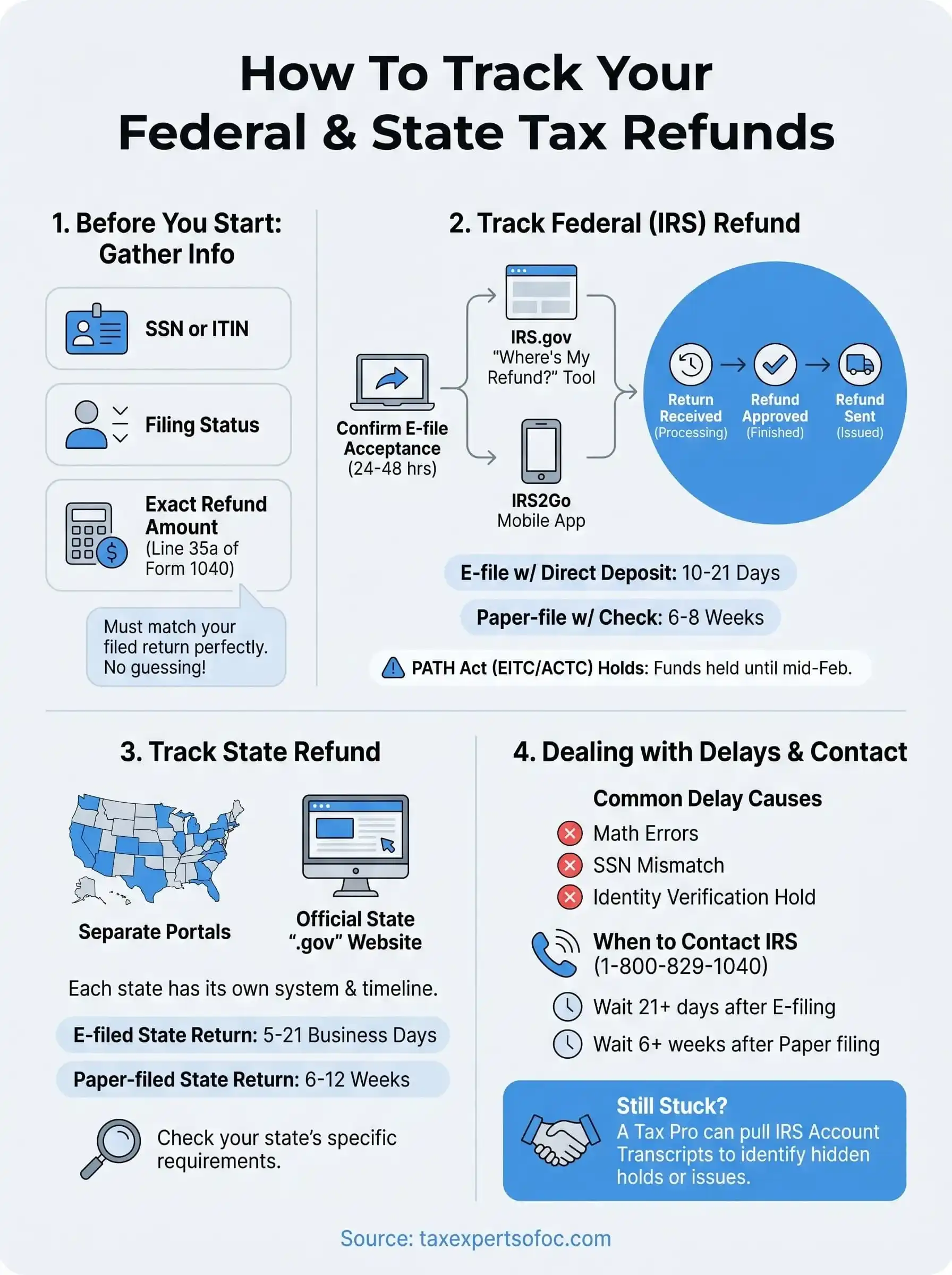
The IRS tool requires three specific inputs: your Social Security Number (SSN) or Individual Taxpayer Identification Number (ITIN), your filing status, and the exact dollar amount of your expected refund. All three must match exactly what appears on your submitted return. Even a one-dollar difference in the refund amount causes the lookup to fail, so do not estimate this number.
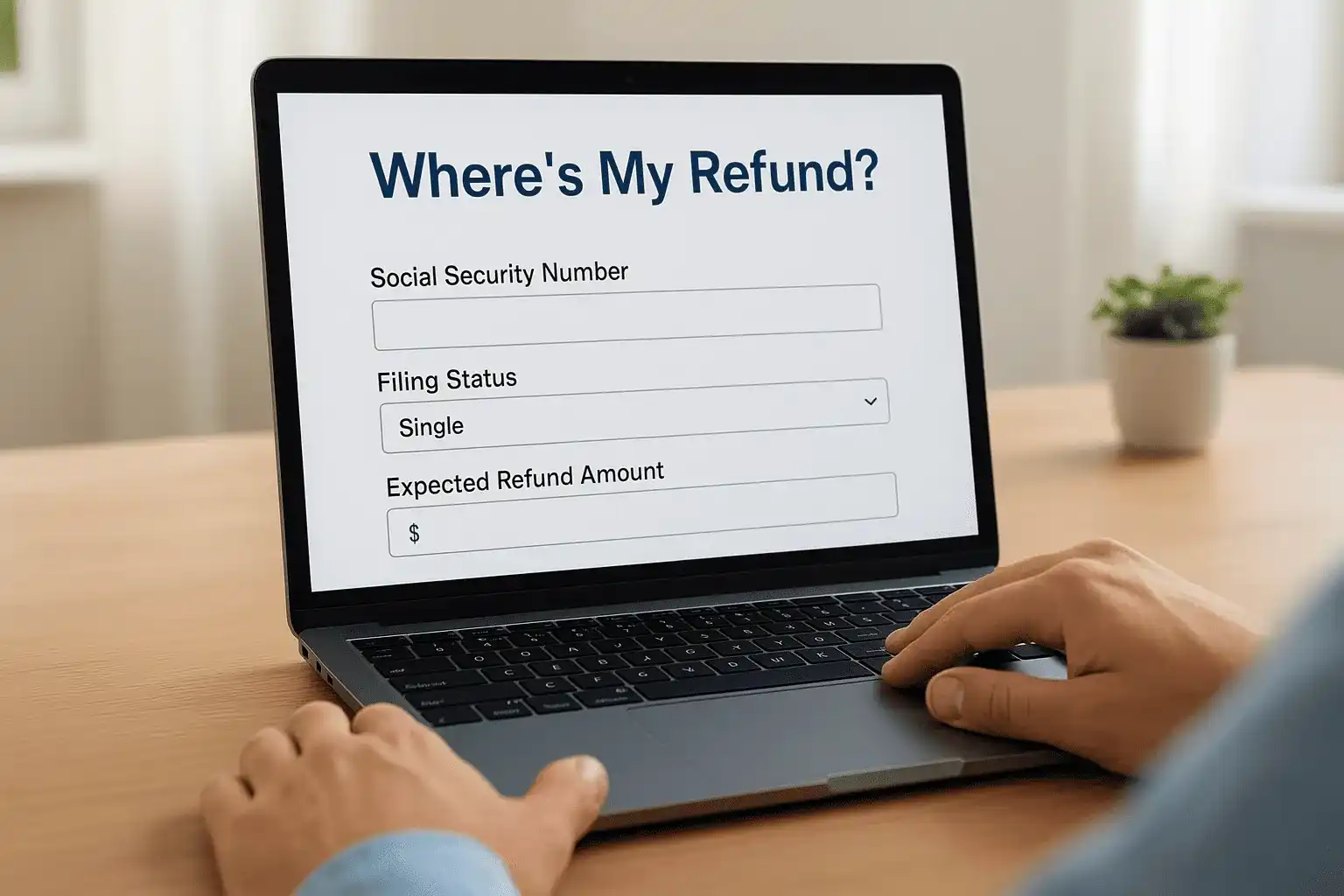
Here is exactly what to gather before you start:
- SSN or ITIN: use the primary filer's number, not a spouse's, unless you filed a separate return
- Filing status: Single, Married Filing Jointly, Married Filing Separately, Head of Household, or Qualifying Surviving Spouse
- Expected refund amount: found on line 35a of your Form 1040
- Tax year: confirm you are checking the correct filing year if you have multiple returns pending
If you are unsure of your exact refund amount, pull up your actual filed return before using any tracking tool rather than guessing a number that may not match IRS records.
What most state portals require
State refund portals ask for similar details, but the required fields vary by state. Most states need your SSN or ITIN, your filing status, and your expected state refund amount. Some states layer in additional fields like your zip code, date of birth, or the specific tax form you filed. Knowing your state's exact requirements before you open the portal avoids unnecessary back-and-forth.
| Field | Required by most states |
|---|---|
| SSN or ITIN | Yes |
| Filing status | Yes |
| Expected refund amount | Yes |
| Tax year | Yes |
| Zip code | Some states |
| Date of birth | Some states |
Each state's department of revenue website lists its specific lookup requirements. Check that page first if you are unsure what your state asks for.
How to find your refund amount if you no longer have it
Your expected refund amount appears directly on your tax return. For federal returns, check line 35a of your Form 1040. If you e-filed through a preparer or tax software, the submission confirmation email or summary screen typically includes this number. If you no longer have access to those records, your tax preparer can pull the filed copy for you quickly.
For state returns, the refund line varies by form. California filers, for example, find this figure on line 115 of Form 540. Oregon filers look at line 57 of Form OR-40. Your state's tax agency website lists the correct line for each form type, which takes about 30 seconds to confirm. Once you have all of this information ready and verified, checking your tax refund status on either the federal or state tool takes under two minutes and gives you a clear picture of exactly where your return stands.
Step 1. Confirm the IRS accepted your return
Before you check your tax refund status, confirm that the IRS actually accepted your return. Acceptance and receipt are two different things. The IRS can receive your return electronically and still reject it if something doesn't match their records, such as a name that conflicts with Social Security Administration data or a duplicate SSN already tied to another filed return for that tax year. Tracking your refund before you confirm acceptance wastes time, because you could be searching for a refund the IRS has no record of processing yet.
How e-file acceptance works
When you file electronically, the IRS sends back an acknowledgment within 24 to 48 hours of receiving your return. This acknowledgment is either an acceptance or a rejection. An acceptance tells you the IRS has your return in their system and has started processing it. A rejection means something failed a validation check, and you must correct and resubmit the return before the IRS will do anything with it.
Do not assume your return was accepted just because your software showed a successful submission screen. That screen only confirms the return was transmitted to the IRS, not that the IRS accepted it.
Rejections most often happen for these specific reasons:
- SSN or name mismatch: the name on the return doesn't match IRS records tied to that SSN
- Duplicate filing: another return was already submitted using the same SSN for the same tax year
- Incorrect prior-year AGI: the adjusted gross income entered for identity verification doesn't match what the IRS has on file
- Missing or incomplete signature: the electronic PIN field was blank or filled in incorrectly
Where to find your acceptance confirmation
Your e-file acceptance confirmation is stored in your tax software account under a filing history or submission status section. The entry typically shows the word "accepted" alongside a timestamp of when the IRS processed the acknowledgment. If a tax professional filed on your behalf, they received this confirmation directly and can forward a copy to you on request.
Paper filers do not receive an acceptance confirmation from the IRS at all. If you mailed your return, use your USPS certified mail tracking number to confirm delivery, then wait a minimum of four weeks before using any IRS tool to check your refund. Attempting to track before that window closes will consistently return a result showing your return was not found.
Step 2. Track your federal refund with IRS tools
The IRS offers two official options to check your tax refund status: the "Where's My Refund?" web tool and the IRS2Go mobile app. Both pull from the same data source, so you will see identical information regardless of which one you use. Pick the option that fits your situation and use it consistently rather than switching between the two and second-guessing the results.
Use "Where's My Refund?" on the IRS website
The "Where's My Refund?" tool is available at IRS.gov and is accessible 24 hours a day, seven days a week. After you enter your SSN or ITIN, filing status, and exact refund amount from line 35a of your Form 1040, the tool displays one of three status stages: Return Received, Refund Approved, or Refund Sent. Each stage tells you exactly where your return sits in the IRS pipeline.
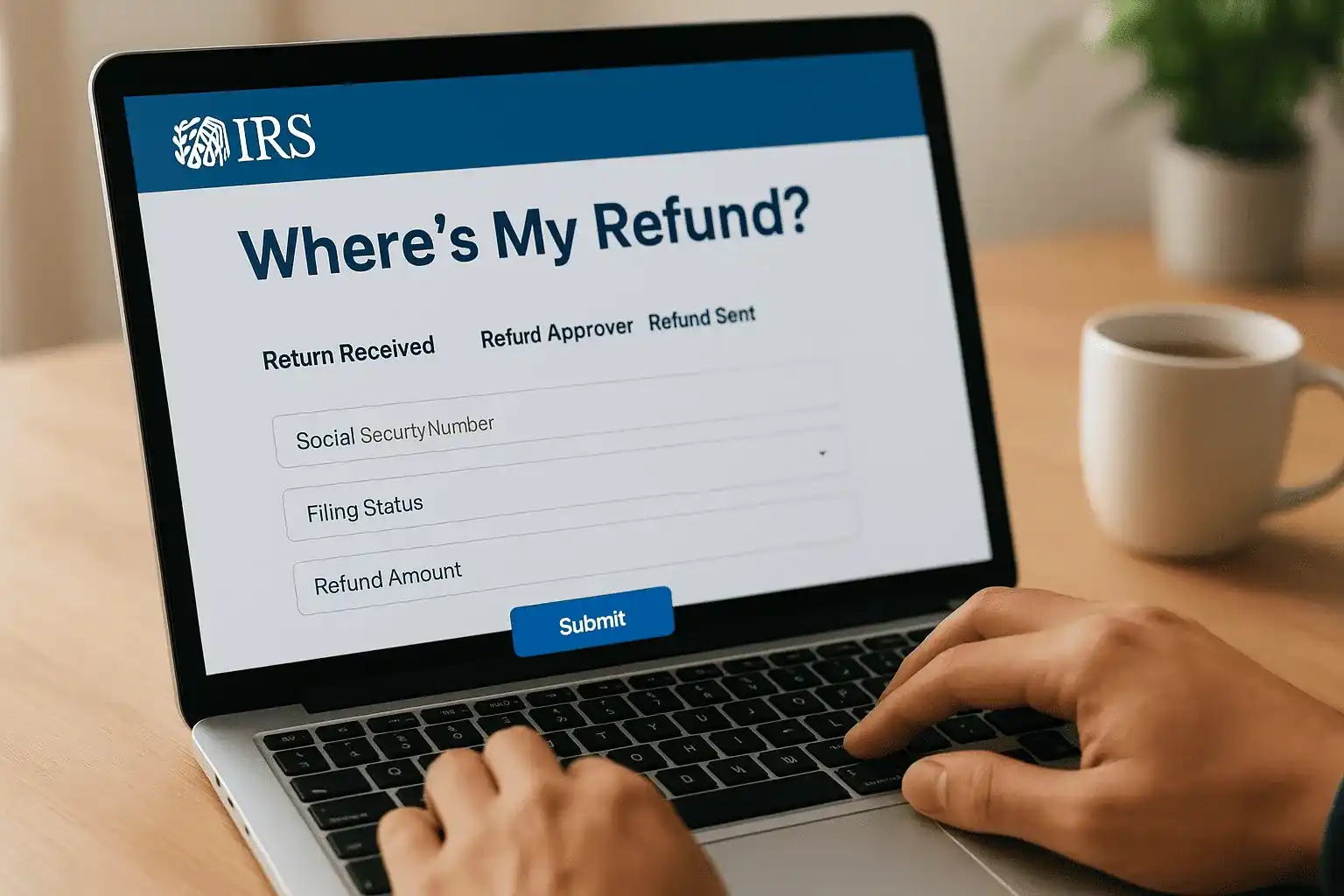
The IRS updates "Where's My Refund?" once per day, usually overnight, so checking it multiple times in a single day will not give you new information.
Follow these steps to use the tool correctly:
- Go to IRS.gov/refunds
- Click "Check My Refund Status"
- Enter your SSN or ITIN exactly as it appears on your return
- Select your filing status from the dropdown
- Enter the exact dollar amount from line 35a of your Form 1040
- Click "Submit" and read the status displayed
For e-filed returns, the tool becomes available within 24 hours of IRS acceptance. For paper-filed returns, wait at least four weeks before checking, as the IRS must manually enter paper returns into their system before any tracking data appears.
Use the IRS2Go mobile app
IRS2Go is the official IRS mobile app, available through the Apple App Store and Google Play. It requires the same three inputs as the web tool and displays the same three-stage status. The app is a practical option if you want to check quickly from your phone without navigating a browser. Both tools reflect real-time processing data from IRS systems, updated on the same overnight schedule.
Step 3. Track your state refund online
Every state with an income tax runs its own separate refund tracking system, completely disconnected from the IRS. Your state tax refund status moves through a different pipeline on a different timeline, which is why checking your federal status tells you nothing about your state refund. Some states process e-filed returns in as few as five business days, while others routinely take four to six weeks. Understanding how state tracking tools work before you open one saves you from misreading a status message or checking the wrong portal entirely.
Find your state's official refund portal
Each state's department of revenue or department of taxation operates its own tracking tool, always hosted on an official state government domain. To find yours, go directly to your state's official ".gov" website and look for the refund or tax section. Avoid third-party websites that claim to check your refund since they have no actual access to state tax data and exist only to collect your information.
Always confirm you are on an official state ".gov" domain before entering your SSN or any personal details into a refund tracking portal.
What to expect from state refund tools
State portals work similarly to the IRS tool but vary in how they display your status. Most ask for your SSN or ITIN, your filing status, and your exact expected refund amount, then return a result like "processing," "approved," or "issued." Some states, including California and New York, show more detailed stages. Others simply display a payment date once the refund clears their system.
Here is a quick reference for typical state processing timelines by filing method:
| Filing Method | Typical State Refund Timeline |
|---|---|
| E-filed return | 5 to 21 business days |
| Paper-filed return | 6 to 12 weeks |
| Return selected for review | Varies; state will notify by mail |
Your state refund timeline resets if you filed an amended return or if the state sends a notice requesting additional information. In that situation, check your mailing address on file with the state before assuming the portal will reflect an updated status, because state correspondence goes out by mail even when the original return was filed electronically.
Step 4. Understand status messages and timing
The IRS "Where's My Refund?" tool only shows three status messages, and each one means something specific about where your return sits in the processing pipeline. Misreading these messages is one of the most common reasons people contact the IRS before it is necessary. Before you pick up the phone or assume something went wrong, take a moment to understand what each stage actually tells you and what you should do, or not do, while you wait for your refund.
What each IRS status stage means
Each of the three stages reflects a distinct phase of IRS processing, and knowing the difference helps you set a realistic expectation for when your money will arrive. The status updates once per day overnight, so if you checked this morning and see no change, checking again this evening will not produce a different result.
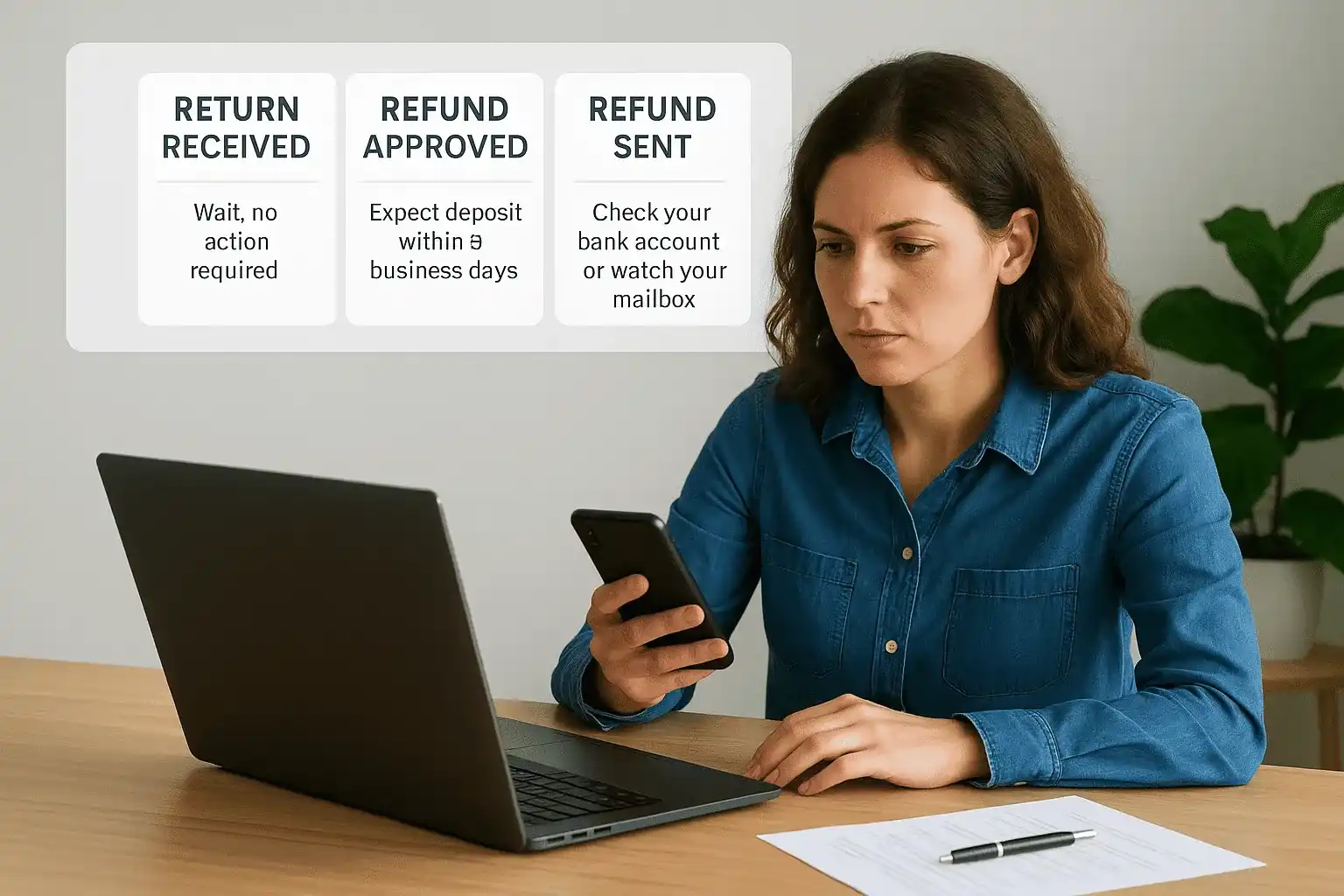
| Status Message | What It Means | What You Should Do |
|---|---|---|
| Return Received | IRS has your return and is processing it | Wait; no action required |
| Refund Approved | IRS finished processing and approved your refund | Expect deposit within 5 business days |
| Refund Sent | Payment was issued to your bank or by mail | Check your bank account or watch your mailbox |
Once the status shows "Refund Sent," direct deposits typically arrive within one to five business days, while paper checks can take up to four weeks to reach your mailing address.
What typical timing looks like by return type
Your tax refund status moves at different speeds depending on how you filed, which credits you claimed, and whether your return was flagged for review. Returns claiming the Earned Income Tax Credit or Additional Child Tax Credit are legally held until at least mid-February under the PATH Act, regardless of when you submitted them. That is not a processing error; it is a statutory requirement built into the law.
Standard processing timelines by return type:
- E-filed with direct deposit: 10 to 21 days after IRS acceptance
- E-filed with paper check: 3 to 4 weeks after IRS acceptance
- Paper-filed with direct deposit: 6 to 8 weeks after mailing
- Paper-filed with paper check: 6 to 8 weeks after mailing
- Returns with EITC or ACTC: held until at least mid-February, then standard timelines apply
If your return falls outside these windows with no explanation, the next step covers the most common causes and how to address them.
Step 5. Fix common issues that delay refunds
When your tax refund status stays stuck on "Return Received" well past the standard 21-day window, a specific problem is almost always the cause. Most delays fall into a short list of fixable categories, and acting on the right one quickly can prevent a weeks-long hold from stretching into months. Identifying the issue first determines your next move, so resist the urge to call the IRS before you know what you are dealing with.
Correct errors that stalled your return
The IRS automatically flags returns that contain math errors, mismatched income figures, or incomplete information. In many cases, the IRS corrects simple math errors on its own and issues your refund without requiring you to do anything. However, if your return is missing a required schedule or contains a Social Security Number that does not match SSA records, the IRS will send a notice by mail explaining exactly what they need from you.
Common issues and how to fix them:
| Issue | Fix |
|---|---|
| Math error | IRS corrects automatically; watch for an adjustment notice |
| Missing schedule or form | Respond to the IRS notice with the correct document |
| SSN or name mismatch | File an amended return (Form 1040-X) with corrected information |
| Unreported income | Respond to the CP2000 notice by the deadline printed on it |
| Bank account error | If the deposit fails, the IRS mails a paper check to your address on file |
If the IRS mailed you a notice, the response deadline printed on that notice is not optional. Missing it extends your delay significantly and can trigger additional compliance steps.
Resolve an identity verification hold
The IRS identity verification program flags certain returns for additional review before releasing any refund. If your return was selected, you will receive either a Letter 5071C or Letter 6331C in the mail, both directing you to verify your identity through the IRS's official service at idverify.irs.gov. Complete this step as soon as the letter arrives rather than waiting to see if the refund releases on its own.
Once you verify your identity successfully, the IRS typically processes your refund within nine weeks of the verification date. Save the confirmation number from your session because you will need it if you follow up later.
Step 6. Know when to contact the IRS or your state
Reaching out to the IRS or your state tax agency before it makes sense wastes your time and rarely moves your refund forward. Phone wait times at the IRS routinely run over an hour, and representatives cannot take action on a return that is simply still in standard processing. Before you call, confirm that you have already checked your tax refund status through the official tool and that enough time has passed for the delay to be considered outside the normal window.
When to call the IRS about your federal refund
The IRS specifically asks that you wait at least 21 days after e-filing, or six weeks after mailing a paper return, before calling about your federal refund. Calling earlier than that means the representative will see the exact same status as the online tool and cannot give you additional information or escalate your case. Contact the IRS only when one of the specific conditions below applies to your situation.
Contact the IRS at 1-800-829-1040 if any of the following are true:
- It has been more than 21 days since your e-filed return was accepted
- It has been more than six weeks since you mailed a paper return
- The "Where's My Refund?" tool tells you to contact the IRS directly
- You received a notice but your refund amount changed without explanation
- Your refund was marked as sent, but more than five business days have passed with no deposit and no check in the mail
If the IRS tool tells you explicitly to call them, that instruction takes priority over any general waiting period, and you should call the same day you see that message.
When to contact your state tax agency
State tax agencies follow separate rules from the IRS, so contact your state only after their published processing window has passed. For e-filed state returns, that typically means waiting at least three to four weeks before reaching out. For paper-filed state returns, wait at least 12 weeks before calling.
Your state's department of revenue contact page, available on the official ".gov" website, lists current phone numbers and estimated hold times. Some states also offer a secure online messaging option that lets you submit your question in writing without sitting on hold, which is often faster for straightforward refund inquiries.
Next steps if you still can't find your refund
If you have checked your tax refund status through both the IRS tool and your state portal, waited past every standard processing window, and still have no clear answer, the problem likely goes beyond a simple delay. At that point, your return may have a hold, an unresolved identity flag, or an error the IRS has not yet notified you about by mail. The fastest way forward is to get a professional to pull your IRS account transcript, which shows every action the IRS has taken on your return, including holds and codes that never appear in the online tracking tool.
Our team at Tax Experts of OC includes CPAs and Enrolled Agents who can access your IRS account directly, identify exactly what is stalling your refund, and communicate with the IRS on your behalf. If you are ready to stop guessing and get a real answer, schedule a free consultation with Tax Experts of OC today.
address