
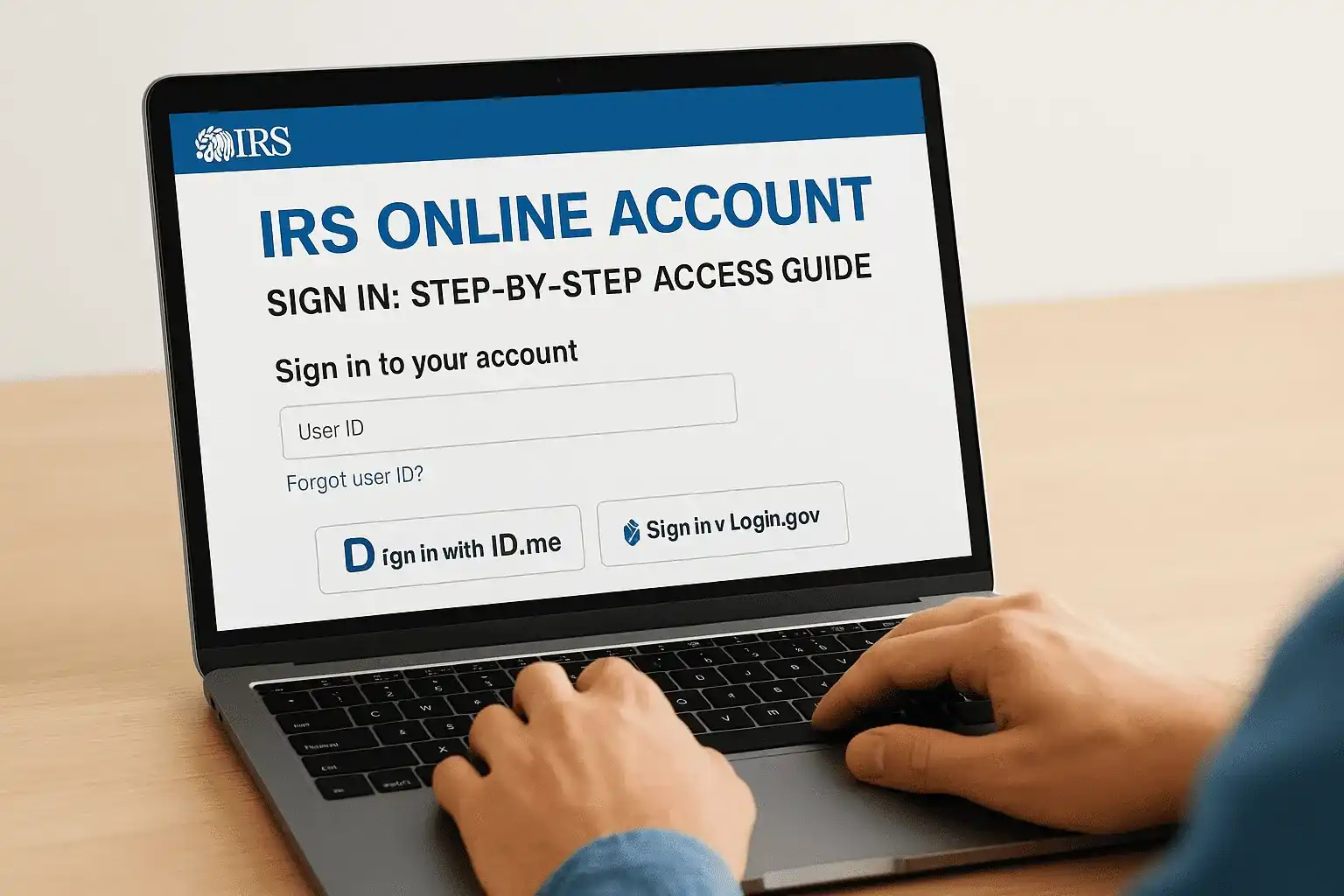
Your IRS online account sign in gives you direct access to tax balances, payment history, transcripts, and notices, all without sitting on hold or waiting for mail. It's one of the most useful tools the IRS offers, and yet millions of taxpayers either don't know it exists or get stuck during the identity verification process required to create one.
Whether you need to check what you owe, confirm a payment posted, or download a transcript for a loan application, your IRS online account puts that information at your fingertips. But the sign-in process, especially if you're using ID.me or Login.gov for the first time, can feel more complicated than it should be. At Tax Experts of OC, we walk clients through this kind of thing regularly as part of our tax resolution and compliance work across all 50 states.
This guide breaks down exactly how to sign in, create a new account, verify your identity, and troubleshoot common issues, step by step, with no guesswork involved.
What the IRS online account lets you do
Once you complete the IRS online account sign in, you get a centralized view of your tax situation that used to require a phone call or a written request. The account pulls data directly from IRS systems, so what you see reflects your actual tax record in real time, not an estimate or a delayed summary.
View balances, transcripts, and notices
Your account shows your current balance owed for each tax year, including penalties and interest that have accrued. You can also pull tax transcripts directly, which is useful when applying for a mortgage, verifying income, or resolving a dispute with the IRS. The IRS offers several transcript types, and you can download them immediately as PDF files without waiting for mail.
Transcripts requested through your IRS online account are typically available instantly, compared to the 5 to 10 business days it takes to receive them by mail.
Here is a quick look at what each transcript type covers:
| Transcript Type | What It Shows |
|---|---|
| Tax Return Transcript | Most line items from your original filed return |
| Tax Account Transcript | Adjustments, payments, and balance changes |
| Record of Account | Combined return and account data |
| Wage and Income Transcript | W-2s, 1099s, and other income documents reported to the IRS |
Make payments and manage payment plans
The account also lets you schedule direct payments from your bank account, review your full payment history, and check the status of any installment agreement you have active. If you need to set up or modify a payment plan, you can do that directly inside the account without calling the IRS. You can also view pending penalties or adjustments and respond to certain IRS notices online without printing or mailing anything.
What you need before you sign in
Before you start the IRS online account sign in process, gather a few key items. Having everything ready upfront saves time and prevents getting stuck halfway through identity verification, which can involve multiple steps.
Personal identification
You'll need a government-issued photo ID, such as a driver's license or passport. The IRS uses either ID.me or Login.gov to [verify your identity](https://taxexpertsofoc.com/blog/irs-form-2848-instructions), and both services require you to upload a photo of your ID along with a selfie or video to confirm it matches. Make sure your ID is not expired before you begin.
If your ID is expired or damaged, the verification process will fail and you'll need to restart with a valid document.
Additional items to have ready
Beyond your photo ID, prepare the items below before you click through to the IRS portal. Missing any of these mid-session will interrupt the verification and force you to start over.
- Social Security Number (SSN) or Individual Taxpayer Identification Number (ITIN)
- A mobile phone number registered in your name for one-time verification codes
- A working email address you can access immediately
- A recent tax return, W-2, or financial account number in case the system prompts additional confirmation
Step 1. Sign in with ID.me or Login.gov
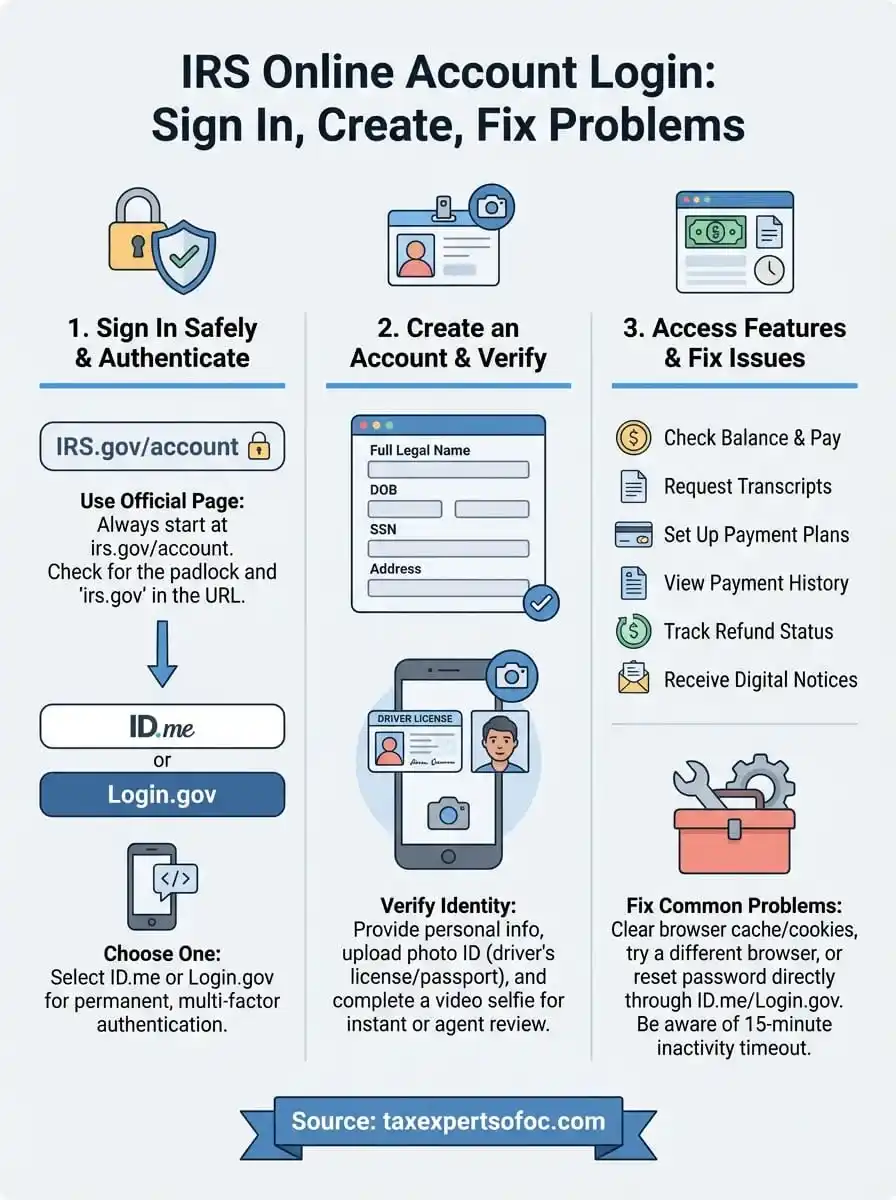
To start the IRS online account sign in, go to IRS.gov and click "Sign in to your online account." The IRS will prompt you to choose between ID.me or Login.gov as your identity verification provider. If you already have an account with either service, select it and log in. If not, you will create one now before moving forward.
Choose your verification service
Both ID.me and Login.gov are government-approved identity platforms that the IRS uses to confirm who you are before granting access. Either option works, but pick one and stay consistent, since your IRS account ties directly to whichever service you use first. Most users complete the process in 5 to 15 minutes on their first attempt.
Complete the identity check
Once you select your service, you will upload a photo of your government-issued ID and then take a selfie or complete a short video scan. The system compares the two automatically. After your identity confirms, the service redirects you back to the IRS portal and your account dashboard loads right away.

If the photo scan fails, move to a brighter location and lay your ID flat to eliminate glare before you retry.
Step 2. Finish setup and confirm you are in
After the identity check clears, both ID.me and Login.gov send you a confirmation email and redirect your browser back to the IRS portal. At this point, you are almost inside your account, but you still need to complete multi-factor authentication (MFA) before the dashboard becomes fully accessible.
Set up multi-factor authentication
Multi-factor authentication adds a second layer of security to your IRS online account sign in beyond your password. The system prompts you to choose a verification method, and you should pick one you can access reliably every time you log in.

- Text or voice call to a phone number registered in your name
- Authenticator app such as Google Authenticator for a time-based one-time code
- Backup codes stored somewhere secure for account recovery
Confirm your account is active
Once MFA is complete, your IRS account dashboard loads and displays your name along with the last four digits of your SSN at the top of the screen. Check that information immediately to confirm the correct taxpayer record pulled up. If anything looks wrong, close the session and contact the IRS directly rather than continuing inside the account.
A mismatch in the name or SSN at the top of your dashboard usually points to a setup error that requires an IRS phone representative to resolve.
Step 3. Use your account for balances and payments
Now that your IRS online account sign in is complete, you can navigate directly to the features that matter most. The dashboard uses a tab layout, so you do not need to dig through menus to find your balance, payment history, or active agreements.
Check your balance by tax year
Your account lists the current balance owed for each tax year separately, including any penalties and interest the IRS has added on top of the original liability. Click on a specific year to see a full breakdown of how that total grew over time, which helps you understand exactly what you are dealing with before you decide how to respond.
Reviewing each year individually helps you prioritize which balance to address first, especially if you owe across multiple filing periods.
Make a payment or review your plan
To submit a payment, select "Make a Payment" from the dashboard and choose "Bank Account (Direct Pay)" to pull funds directly from your checking or savings account at no cost. Your account confirms the payment immediately and reflects it in your history within one to two business days. If you have an active installment agreement, you can also check the remaining balance and your next scheduled payment date from the same screen without calling the IRS.
Wrap up and get help
The IRS online account sign in process is straightforward once you know what to expect at each step. You need a valid photo ID, an SSN or ITIN, a verified phone number, and an account with either ID.me or Login.gov. From there, your dashboard gives you direct access to balances, transcripts, payment history, and active installment agreements without ever calling the IRS.
That said, seeing your balance is one thing. Knowing what to do about it is another. If your account shows a balance you cannot pay in full, unfiled returns, or an active IRS notice, the next step is getting professional help before the situation escalates. Penalties and interest grow every month you wait, and the IRS has real enforcement tools it will use.
The team at Tax Experts of OC works with clients nationwide to resolve IRS debt, stop collections, and build a path forward. Schedule your free 30-minute consultation today.