
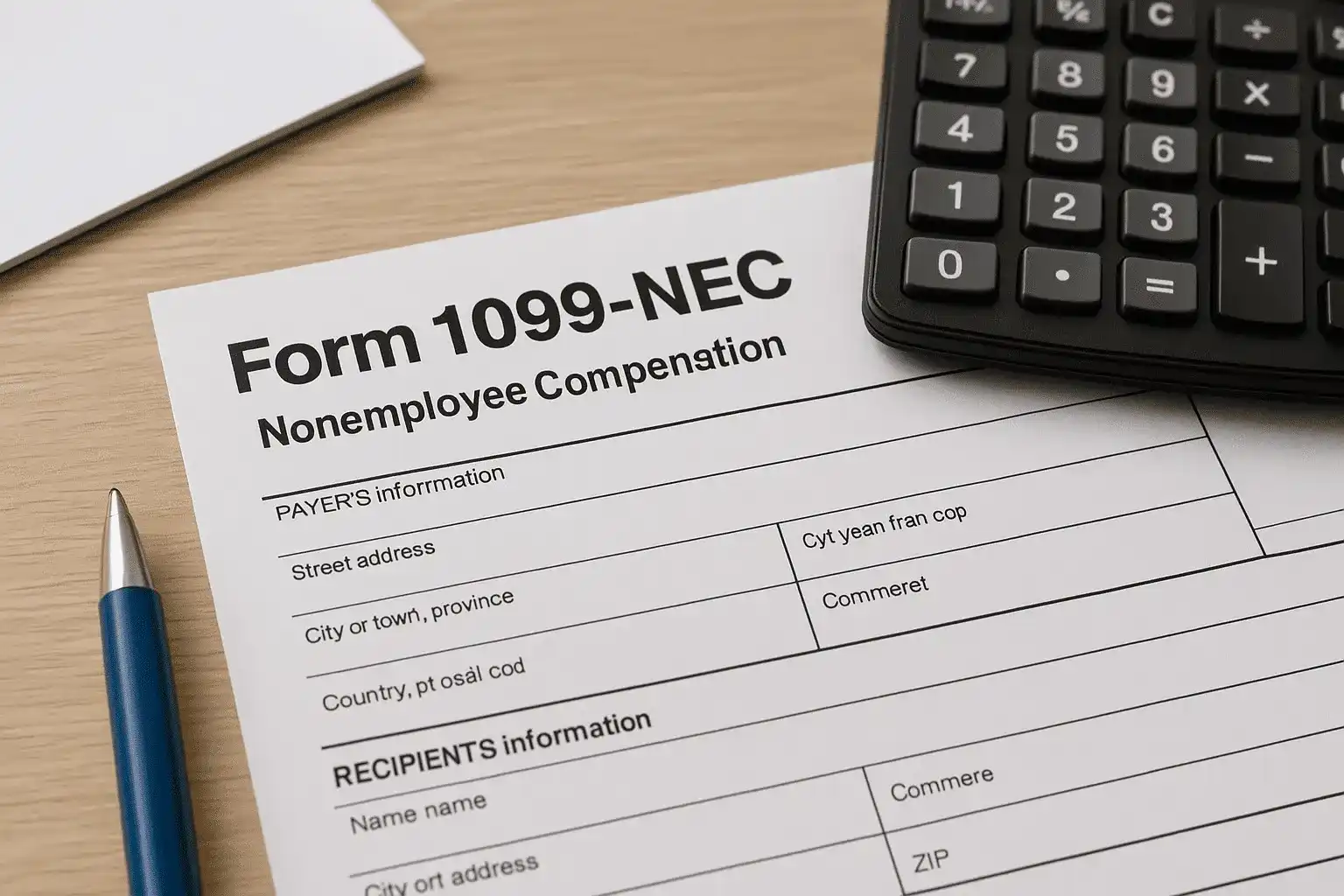
If you paid an independent contractor, freelancer, or other nonemployee $600 or more during the tax year, you're required to report that income to the IRS. That's where IRS Form 1099-NEC instructions come in, and getting them right matters more than most business owners realize. Filing errors or missed deadlines can trigger penalties that start at $60 per form and climb quickly from there.
Form 1099-NEC (Nonemployee Compensation) replaced Box 7 of the old 1099-MISC for reporting payments to nonemployees. It has its own rules, its own deadline, and its own set of mistakes that catch filers off guard every year. Whether you're a small business owner filing a handful of forms or managing dozens of contractor relationships, understanding each box and requirement saves you time, money, and IRS headaches.
At Tax Experts of OC, our CPAs and Enrolled Agents help businesses across all 50 states handle tax filing, compliance, and IRS issues, including 1099 reporting. This guide walks you through exactly how to complete and file Form 1099-NEC step by step, covering who needs to file, what deadlines apply, and how to avoid the most common mistakes.
What Form 1099-NEC reports and who must file
Form 1099-NEC exists for one specific purpose: reporting payments made to nonemployees for services they performed for your business. The IRS uses this form to cross-reference what you reported as a business expense against what the recipient reported as income. When those numbers don't match, the IRS sends notices, and someone ends up explaining the difference. Understanding the basics of this form is the first step in following the irs form 1099-nec instructions correctly before you ever pick up a pen or open your tax software.
The history behind Form 1099-NEC
The IRS reintroduced Form 1099-NEC in 2020 after a roughly 40-year absence. Before that, nonemployee compensation was reported in Box 7 of Form 1099-MISC, which created a compliance problem. Form 1099-MISC had two different deadlines depending on which boxes you filled out, and the IRS found that filers frequently missed the earlier due date for Box 7. By separating nonemployee compensation onto its own form, the IRS gave 1099-NEC a single, unified deadline: January 31 of the year following payment, for both the recipient copy and the IRS copy. That change alone eliminated a lot of confusion, but it also meant businesses needed to track which form applies to which payment type.
What counts as nonemployee compensation
Nonemployee compensation covers payments you made to individuals or businesses that aren't your employees, specifically in exchange for services rendered to your business. The IRS defines this broadly, but common examples include fees paid to contractors, freelancers, consultants, and service providers.
Payments that belong in Box 1 of Form 1099-NEC include:
- Fees paid to an independent contractor for services (graphic design, web development, writing, consulting)
- Commissions paid to a non-employee salesperson
- Fees paid to attorneys who are not incorporated, for legal services performed in the course of your business
- Payments to a sole proprietor or single-member LLC for any professional service
If you paid someone for a service and that payment was part of your ordinary trade or business, it almost certainly belongs on a 1099-NEC, not a 1099-MISC.
Payments that do not belong on Form 1099-NEC include rent, royalties, prizes and awards not connected to services, and certain medical or healthcare payments. Those still go on Form 1099-MISC, so be careful not to mix the two forms up.
Who is required to file
If you are in a trade or business and you paid a nonemployee $600 or more during the calendar year, you are required to file a 1099-NEC. This applies to sole proprietors, partnerships, LLCs, S-corporations, C-corporations, and non-profit organizations alike. The requirement is not limited to small businesses or unincorporated entities.
The IRS also requires you to file if you withheld any federal income tax under the backup withholding rules, even if the total payment was less than $600. That exception trips up many filers who assume the $600 threshold is an absolute cutoff.
Who does not need to receive a 1099-NEC
Payments made to C-corporations and S-corporations are generally exempt from the 1099-NEC requirement. When you collect a W-9 from a vendor and they indicate they are a C-corp or S-corp, you typically do not need to send them a 1099-NEC at year-end. There are exceptions, including payments to incorporated attorneys for legal services, which always require a 1099-NEC regardless of corporate status.
Payments made through third-party payment networks such as credit cards or platforms like PayPal's goods-and-services option are also excluded. In those cases, the payment processor handles reporting through Form 1099-K, and issuing a 1099-NEC for the same payment would create a duplicate.
Step 1. Check the $600 rule and key exceptions
Before you touch a single box on Form 1099-NEC, you need to confirm whether you actually have a filing obligation. The $600 threshold is the starting point for most filers, but several exceptions exist that require you to file even when you haven't crossed that amount. Getting this step right keeps you compliant from the start and prevents you from either missing a required filing or submitting forms you don't need to send.
How the $600 threshold works
The rule is straightforward: if you paid a nonemployee $600 or more in total during the calendar year, you must file a 1099-NEC for that person or business. The $600 figure represents the combined total of all payments you made throughout the year, not any single transaction. For example, if you paid a freelance designer $200 in March, $150 in July, and $300 in November, the combined total is $650, which crosses the threshold and triggers a filing requirement.
Add up all payments made to a single vendor across the full calendar year before deciding whether a 1099-NEC is required.
You track these payments by payee, not by project. If you hired the same contractor for three separate jobs, all three payment amounts count toward their annual total. Keeping a running payment log throughout the year makes this calculation quick and accurate when January arrives.
Exceptions that require filing below $600
Several situations require you to file a 1099-NEC regardless of whether you reached the $600 mark. Knowing these exceptions is a critical part of following the irs form 1099-nec instructions without missing an obligation that could trigger IRS penalties.
The most common exceptions include:
- Backup withholding applied: If you withheld federal income tax from a payment under the backup withholding rules, you must file a 1099-NEC for that payee even if the total paid was under $600.
- Attorney payments: Payments to attorneys for legal services always require a 1099-NEC when $600 or more was paid, even if the attorney's firm is incorporated as a corporation.
- Fish purchases for resale: Payments of $600 or more made to individuals who catch fish commercially and sell directly to you require reporting on this form.
You should also note that the $600 rule applies per payee, not per project. If one contractor completed both consulting work and other services for your business, all payments to that individual combine into one 1099-NEC total. Breaking up payments across multiple invoices does not reduce your filing obligation if the combined annual amount meets or exceeds the threshold.
Step 2. Collect a W-9 and verify names and TINs
Collecting a Form W-9 from every vendor before you issue the first payment is the single most important habit you can build into your contractor onboarding process. The W-9 gives you the payee's legal name, taxpayer identification number (TIN), and entity type, which are exactly the three pieces of information you need to complete Form 1099-NEC accurately and avoid the name-TIN mismatches that trigger IRS notices.

Why a W-9 request should happen before the first check
Waiting until January to chase down W-9s from contractors is one of the most common mistakes businesses make. By that point, some vendors are unresponsive, work has wrapped up, and you're left filing with incomplete or unverified information. Build W-9 collection into your payment process as a condition: no signed W-9, no check issued.
A completed W-9 tells you three critical things that directly affect how you apply the irs form 1099-nec instructions at year-end:
- Legal name or business name: This must match exactly what appears on the payee's IRS records or tax return.
- TIN: This is either a Social Security Number (SSN) for individuals or an Employer Identification Number (EIN) for businesses.
- Entity classification: This tells you whether the payee is an individual, sole proprietor, LLC, C-corp, or S-corp, which determines whether a 1099-NEC is required at all.
How to verify names and TINs before you file
Once you have the W-9 in hand, you should verify the name and TIN combination before you submit anything to the IRS. The IRS provides a free tool called the TIN Matching Program, available through the IRS e-Services portal, which lets you confirm that a payee's name and TIN are consistent with IRS records before you file.
Run TIN verification in October or November so you have time to correct mismatches before the January 31 filing deadline.
If a name and TIN do not match, you are required to notify the payee and begin backup withholding at 24% on future payments until the issue is resolved. Keeping your W-9s organized and verified throughout the year, rather than scrambling in January, is how you protect your business from penalties and avoid filing corrected forms after the deadline has passed.
Step 3. Classify payments and handle backup withholding
Not every payment you make to a vendor belongs on Form 1099-NEC. Before you fill in Box 1, you need to confirm that the payment you're reporting actually falls into the nonemployee compensation category and not onto a different information return. Misclassifying a payment onto the wrong form causes IRS matching errors and can lead to notices, penalties, or duplicate reporting that takes time and paperwork to unwind.
Separating 1099-NEC from 1099-MISC payments
The most common classification mistake is reporting payments on 1099-NEC that actually belong on Form 1099-MISC. The rule is straightforward: 1099-NEC covers payments for services performed by a nonemployee in the course of your trade or business, while 1099-MISC covers everything else that still requires reporting.
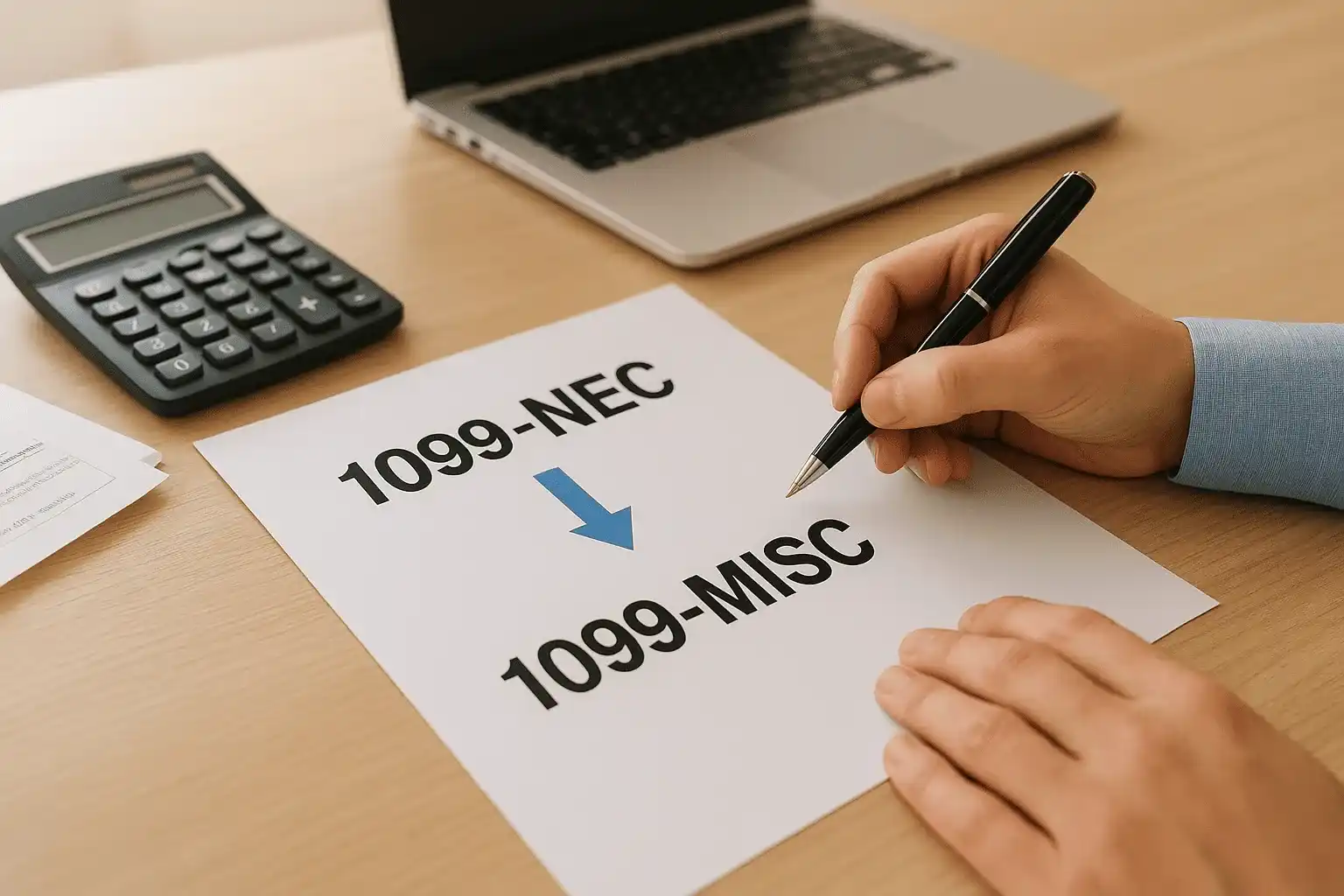
Payments that belong on Form 1099-MISC, not 1099-NEC, include:
- Rent paid to an individual or non-corporate landlord ($600 or more)
- Royalties of $10 or more
- Prizes and awards not connected to services rendered
- Medical and healthcare payments to non-incorporated providers
- Crop insurance proceeds and fishing boat proceeds
If you paid a contractor for both services and rent for using their workspace, those two payment types require two separate forms: the service payment on 1099-NEC and the rent on 1099-MISC. Combining them on a single form will cause a reporting error.
When backup withholding applies and how to handle it
Backup withholding is a specific situation you need to recognize before completing the irs form 1099-nec instructions for any payee. The IRS requires you to withhold 24% of a payment and send it directly to the IRS when certain conditions exist.
You must apply backup withholding when:
- A payee fails to provide a TIN on their W-9
- The IRS notifies you that a payee's TIN is incorrect
- A payee does not certify their TIN on the W-9 form
If you applied backup withholding to any payment, you must file a 1099-NEC for that payee even if total payments fell below $600.
Once you withhold, report the amount in Box 4 of Form 1099-NEC and deposit those withheld funds through the Electronic Federal Tax Payment System (EFTPS), following the standard deposit schedules the IRS requires for withheld taxes. Keep a clear record of every payment where you applied withholding, the date, the amount withheld, and the reason, so your documentation holds up if the IRS requests it later.
Step 4. Fill out Form 1099-NEC box by box
Once you have a verified W-9 and confirmed your filing obligation, you're ready to complete the actual form. Form 1099-NEC is shorter than most IRS forms, but each field has a specific purpose, and entering the wrong information in even one box causes IRS matching errors. Following the irs form 1099-nec instructions field by field keeps your submission clean and accurate.
The payer and recipient identification sections
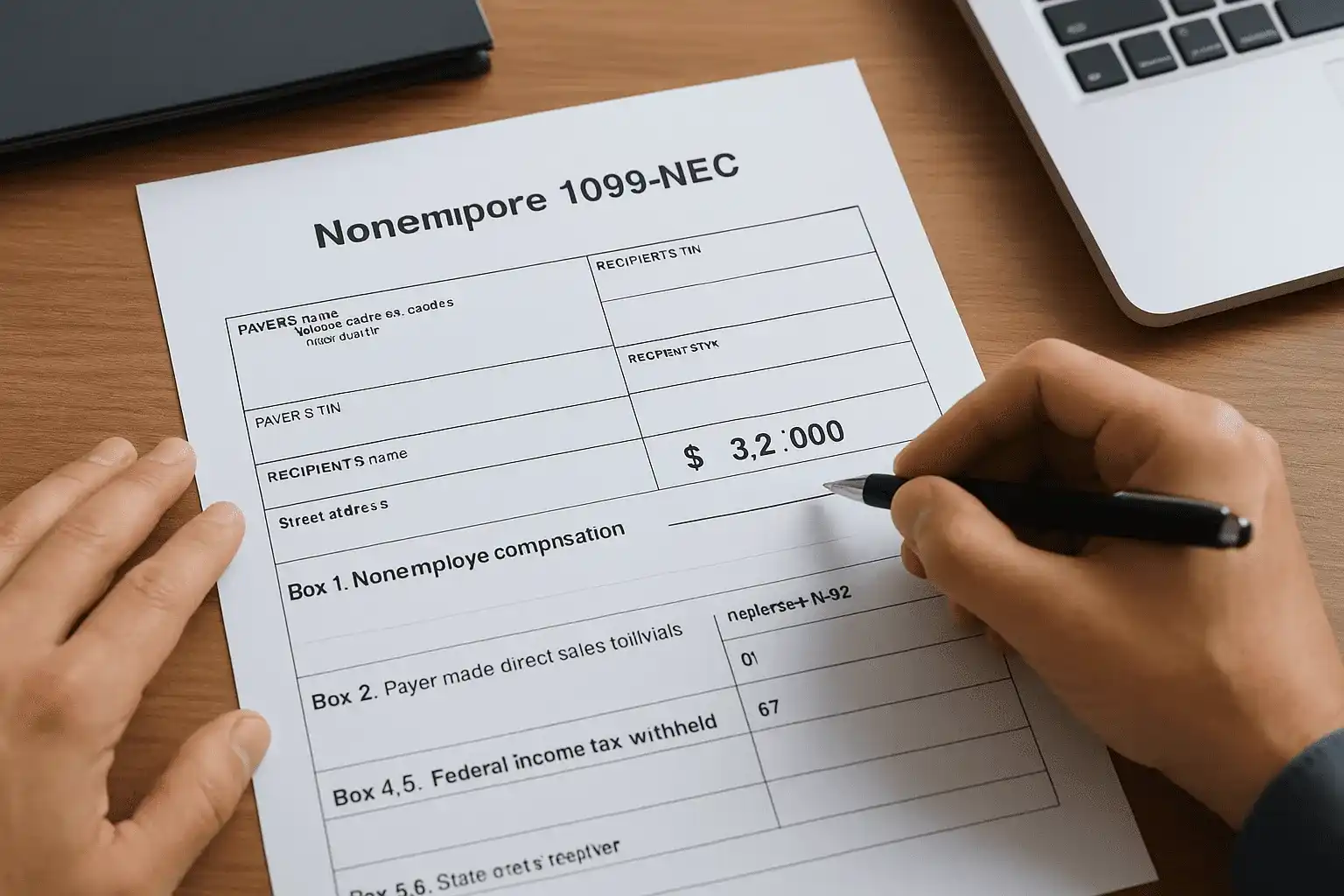
The top portion of Form 1099-NEC captures identifying information for both the business issuing the form and the person or entity receiving it. Your information goes in the payer section, and the contractor's information goes in the recipient section.
Fill out each field as follows:
| Field | What to enter |
|---|---|
| Payer's name, address, city, state, ZIP | Your legal business name and mailing address |
| Payer's TIN | Your EIN or SSN as registered with the IRS |
| Recipient's TIN | The SSN or EIN exactly as shown on the payee's W-9 |
| Recipient's name | The legal name from the W-9, not a nickname or trade name |
| Street address | The recipient's current mailing address |
| Account number | Optional; useful if you file multiple 1099s for the same payee |
Always enter the recipient's name exactly as it appears on their W-9 to avoid a TIN mismatch notice from the IRS.
The numbered boxes explained
Below the identification fields, Form 1099-NEC contains four numbered boxes. Each box captures a distinct type of financial information, and most filers will only use Box 1.
- Box 1: Nonemployee compensation. Enter the total dollar amount you paid this contractor during the calendar year for services. This is the primary reporting box and where the vast majority of your entries will go.
- Box 2: Payer made direct sales totaling $5,000 or more. Check this box if you paid the recipient $5,000 or more for consumer products they resold outside of a permanent retail establishment. This box applies to a narrow group of filers, so most businesses leave it blank.
- Box 4: Federal income tax withheld. Enter any backup withholding amounts here. If you did not withhold any federal income tax, leave Box 4 blank rather than entering zero.
- Box 5, 6, 7: State information. These boxes capture the state tax withheld, the payer's state identification number, and the state income reported. You only complete these if your state requires you to file a copy with the state tax agency.
Step 5. Send recipient copies and meet the deadline
Completing the form accurately is only half the job. You also need to deliver a copy to the recipient and make sure it reaches them on time. Missing this step, or delivering the form late, exposes you to penalties under the irs form 1099-nec instructions even if your IRS filing is otherwise perfect. The recipient needs their copy to prepare their own tax return, and the IRS expects you to get it to them by a firm deadline.
The January 31 deadline and what it covers
Form 1099-NEC carries a single deadline that covers both the recipient copy and the IRS copy: January 31 of the year following the tax year in which you made the payments. For the 2025 tax year, that means both copies are due by January 31, 2026. This unified deadline is one of the key distinctions between 1099-NEC and 1099-MISC, which still has split deadlines depending on which boxes you fill out.
January 31 is not a soft target. If that date falls on a weekend or federal holiday, the deadline shifts to the next business day, but you should treat January 31 itself as your hard cutoff.
If you need additional time to file with the IRS, you can request a 30-day extension using Form 8809, but no extension exists for delivering the recipient copy. That copy must go out by January 31 regardless of your IRS filing status.
How to deliver recipient copies correctly
You have two acceptable delivery methods for recipient copies: paper mail or electronic delivery. Paper copies must be mailed to the address shown on the contractor's W-9. If you choose electronic delivery, you need written consent from the recipient before you send any electronic statements. You cannot simply email a PDF to a contractor without first confirming they agree to receive their copy digitally.
Use the following checklist before you send each recipient copy:
- Confirm the recipient's current mailing or email address matches what's on their W-9
- Verify that Box 1 reflects the correct annual total before printing or generating the form
- If mailing paper copies, use first-class mail and keep a record of the send date
- If delivering electronically, retain documentation of the recipient's consent
Keeping a copy of every form you send, along with a delivery record, protects you if a contractor later claims they never received theirs. That paper trail is straightforward to create and valuable if questions arise.
Step 6. File with the IRS online or by mail
After you send recipient copies, you need to submit the IRS copy through the right channel. The IRS gives you two options: electronic filing or paper mail. Choosing the right one depends on how many forms you're filing, and the rules changed recently in a way that caught many small businesses off guard, so confirm your specific obligation before assuming paper is still available to you.
Electronic filing through IRIS or FIRE
The IRS now requires electronic filing for any filer submitting 10 or more information returns of any type combined in a single calendar year. That threshold dropped sharply from the previous limit of 250, which means many small businesses that previously mailed paper forms are now required to file electronically. Even if you fall below 10 forms, electronic filing is faster and generates an immediate confirmation that the IRS received your submission, which paper mail cannot provide.
You have two electronic options for submitting Form 1099-NEC to the IRS:
- IRIS (Information Returns Intake System): The IRS built this free portal specifically for filing 1099 forms, and you can access it directly at irs.gov. IRIS accepts both individual and batch submissions, so it works whether you're filing 3 forms or 300.
- FIRE (Filing Information Returns Electronically): This older IRS system is still active and handles bulk submissions in a specific formatted file. FIRE is typically used by businesses filing large volumes or by third-party software providers that generate the required file format automatically.
Set up your IRIS account in early December rather than waiting until late January, when the portal slows down as the deadline approaches.
Following the irs form 1099-nec instructions for electronic filing requires you to register for an account on whichever system you choose before you can submit anything. If you use accounting or payroll software, check whether it includes direct IRS e-file integration, which can handle submission automatically once you review and approve the completed forms.
Filing by paper mail
If you file fewer than 10 information returns combined and choose to mail paper copies, you must send them to the correct IRS processing center based on your state. The IRS publishes the current mailing addresses in the General Instructions for Certain Information Returns, available on irs.gov, and those addresses can change year to year, so verify the current address rather than relying on where you mailed forms in a prior year.
Paper filers must also include Form 1096, which serves as a summary transmittal cover sheet for all the paper 1099-NEC forms in that submission. Use only the official red-ink scannable version of Form 1096, not a standard printed copy, because the IRS uses optical scanning to process paper returns and black-and-white printouts do not scan correctly and will cause processing delays.
Step 7. Meet state filing requirements
Filing with the IRS satisfies your federal obligation, but it does not automatically satisfy your state reporting requirements. Many states have their own 1099-NEC filing rules, and those rules vary widely. Some states require you to file directly with them, some participate in the IRS Combined Federal/State Filing (CF/SF) Program and receive your data automatically, and a few have no state income tax and therefore no filing requirement at all. Checking your state's rules is a necessary part of following the irs form 1099-nec instructions from start to finish.
Do not assume the IRS forwards your federal filing to your state automatically unless your state participates in the CF/SF Program.
States that participate in the Combined Federal/State Filing Program
The IRS CF/SF Program forwards 1099 data to participating states automatically when you file electronically through the FIRE system. If your state is on the participating list, you may not need to submit a separate state filing for Form 1099-NEC.
States currently participating in the CF/SF Program include California, Colorado, Connecticut, Georgia, Hawaii, Idaho, Indiana, Kansas, Louisiana, Maine, Maryland, Massachusetts, Michigan, Minnesota, Mississippi, Missouri, Montana, New Jersey, New Mexico, New York, North Carolina, Ohio, Oregon, South Carolina, Utah, Virginia, and Wisconsin. That list can change each year, so verify your state's current participation status through the IRS website before filing.
Even if your state participates in the CF/SF Program, check whether your state requires a separate notification or annual reconciliation filing. Some participating states still expect a reconciliation form even if the 1099 data transfers automatically.
States with their own direct filing requirements
Several states require you to submit 1099-NEC copies directly to the state tax agency, independent of what happens with your federal filing. These states often have their own deadlines, file formats, and submission portals. Some align with the federal January 31 deadline, while others set a different due date in February or March.
For each state where you have a filing obligation, confirm the following before submitting:
- The state's specific deadline for 1099-NEC submissions
- Whether the state accepts electronic filing through its own portal or requires paper copies
- Whether state withholding was applied to any payment, since Box 5 and Box 6 on Form 1099-NEC must reflect those amounts accurately
- Whether a state reconciliation or transmittal form is required alongside the individual 1099-NEC forms
Tracking these requirements for each state where your contractors reside, not just where your business operates, prevents gaps that lead to state tax notices.
Step 8. Correct mistakes and document your records
Even with careful preparation, errors happen. You might discover a wrong TIN, an incorrect dollar amount in Box 1, or a recipient name that does not match IRS records after the forms have already been filed. When that happens, the irs form 1099-nec instructions give you a clear correction process, and using it promptly limits your penalty exposure. Acting quickly and keeping thorough records afterward protects you from further IRS complications.
How to file a corrected 1099-NEC
When you identify an error on a previously filed 1099-NEC, you must file a corrected form rather than simply amending your original submission. The process differs slightly depending on whether you're correcting a dollar amount or fixing an incorrect payee TIN or name.
For dollar amount errors or checkbox mistakes, complete a new Form 1099-NEC, enter the correct information in the appropriate boxes, and check the "CORRECTED" box at the top of the form. Send the corrected copy to the recipient and submit the corrected form to the IRS through the same channel you used originally, whether that was IRIS, FIRE, or paper mail.
For TIN or name corrections, the IRS requires a two-transaction process: first file a corrected form zeroing out the original amounts, then file a second new form with the correct payee information and the proper dollar amounts.
Use this checklist when filing any correction:
- Check the "CORRECTED" box at the top of the form
- Use the same filing method (electronic or paper) as the original submission
- Send a corrected copy to the recipient immediately so they can update their own records
- Submit the corrected IRS copy as soon as possible to minimize penalty exposure
- Keep a written record of what was wrong, when you discovered it, and what correction you filed
What records to keep and for how long
After you file, your documentation job is not finished. The IRS expects you to retain copies of every 1099-NEC you issue, along with the supporting records that back up the numbers you reported. That includes the original W-9 from each recipient, your payment logs showing the dates and amounts of each transaction, any backup withholding records, and copies of all corrected forms you submitted.
Keep all 1099-related records for a minimum of four years from the due date of the return, which is the standard retention period the IRS applies to information returns. Store W-9 forms for at least four years as well, since they are your primary defense if the IRS questions a TIN mismatch or challenges whether you collected required documentation before issuing payment.
Next steps
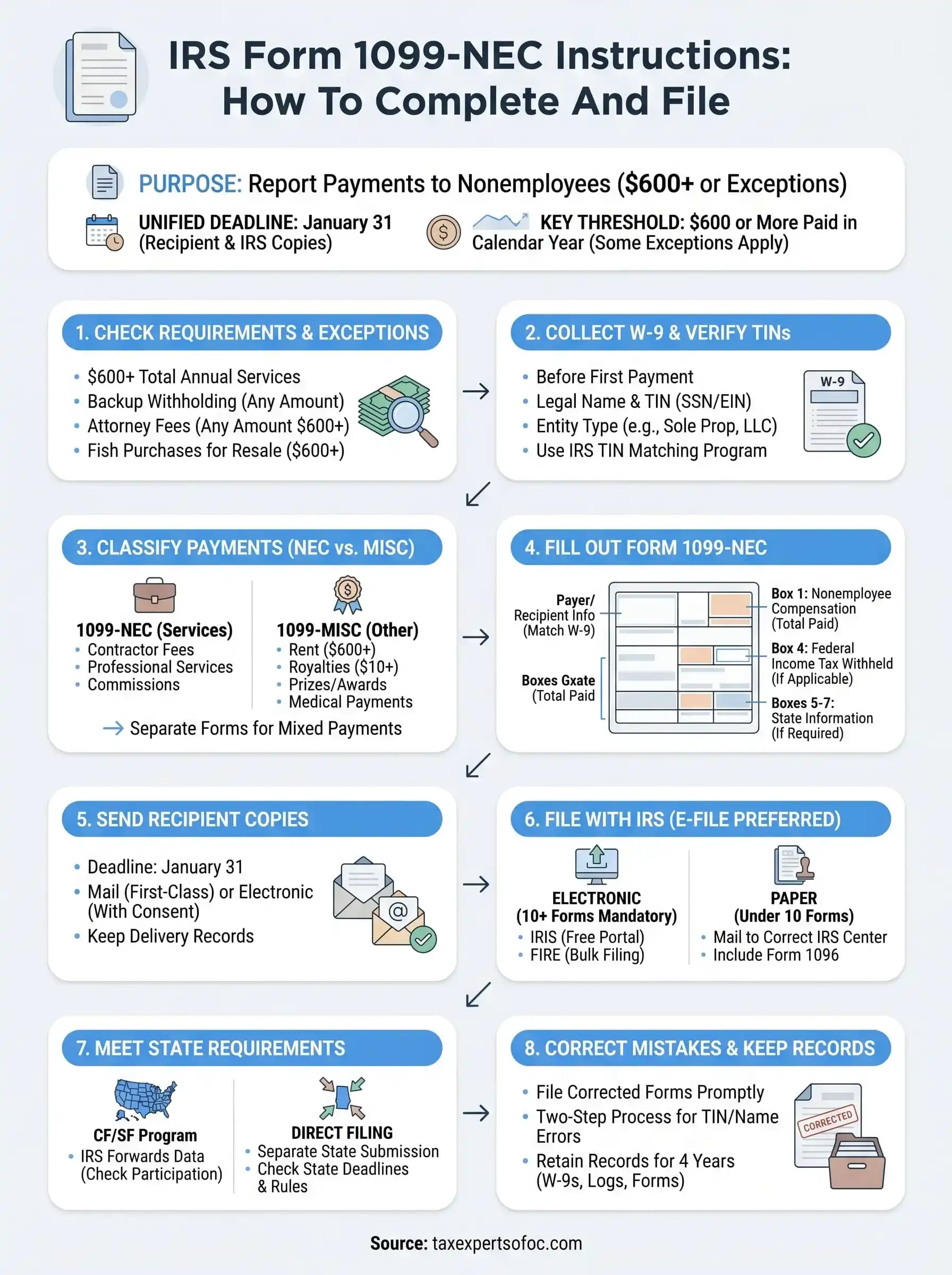
You now have a complete picture of what the irs form 1099-nec instructions require, from verifying your $600 threshold and collecting W-9s to filing corrected forms and retaining records for four years. Each step builds on the last, and skipping any one of them increases your exposure to IRS penalties, TIN mismatch notices, or state filing violations.
Start by pulling your contractor payment records for the current year and confirming which vendors crossed the $600 threshold. Then verify that every W-9 is on file, run TIN matching before January arrives, and confirm your state's direct filing requirements so nothing slips through at year-end.
If you have back filings, correction forms, or IRS notices related to 1099-NEC reporting that you need help resolving, the CPAs and Enrolled Agents at Tax Experts of OC can review your situation and handle the filing work for you.